UltraHDR
HDR
A few years ago, screens with high dynamic range (HDR) started becoming widespread. Most often, these are the screens found in modern phones with (AM)OLED panels, as well as in laptops. Behind them come the less common OLED monitors and televisions.
I personally only have a couple of devices that properly display HDR: an ASUS VivoBook Pro 14x OLED laptop and an Apple MacBook Pro 16 with M3 Max. Both handle highlight brightness very well.
Not all screens that claim HDR support actually show it effectively. For example, my main monitor - the LG 4K 27UL500-W IPS - is perfectly fine for photo editing in standard dynamic range (SDR) mode. But when displaying HDR content, the extra brightness in highlight areas is extremely weak, almost unnoticeable. Apple’s engineers have created truly excellent displays for their modern devices - superb color accuracy paired with excellent dynamic range.
Besides the hardware characteristics, HDR also has significant software limitations. There is hope that over time, as the technology becomes more widespread, HDR content will be available everywhere.
As of early 2026, among web browsers, only Google Chrome has decent support for HDR images. Fortunately, it also dominates the market by a large margin, covering 71-75% of users.

UltraHDR
For a long time, one of the main obstacles to HDR images was the lack of a popular format optimized for SDR compatibility.
Formats such as AVIF, JPEG XL, and some others with HDR support never managed to seriously challenge JPEG’s leading position.
This is not surprising. Even with browser support in place, building out the full ecosystem of tools for working with new formats (for example, server-side thumbnail generation) requires an enormous amount of effort.
From my perspective as a programmer, new formats that lack backward compatibility were doomed to failure given the massive amount of surrounding context and infrastructure required for their adoption.
Google recognized this, and at the end of 2023 they released their solution to the compatibility problem - UltraHDR JPEG, introduced as part of Android 14.
The elegance of the idea is that the new format is an extension of ordinary JPEG. The files retain the same .jpg extension, and they open in older programs and devices just like regular JPEGs. But if the program and device understand the extension, the image is presented “in a different light.” This approach enables gradual adoption through targeted, incremental ecosystem upgrades.
Today, Google Pixel phones capture all photos in UltraHDR by default. There is a debatable aspect to this: in scenes with limited dynamic range, HDR capture provides no real benefit but still consumes significantly more storage space. On the other hand, this decision gives very strong momentum to the format’s widespread adoption.
There is also elegance in the technical implementation of the HDR container itself. Before UltraHDR, formats like AVIF and JPEG XL treated the HDR image as the primary source. On SDR devices, a limited-range version was automatically derived from the original through tone mapping.
In practice, the tone-mapping approach revealed two serious problems.
First, an SDR image produced automatically via tone mapping often looks duller and less expressive than an SDR image that has been manually tuned and adjusted.
Second, the file fundamentally contains no ready-made SDR image. This means true lightweight backward compatibility is impossible - programs and devices must implement a tone-mapping algorithm just to display anything usable at all.




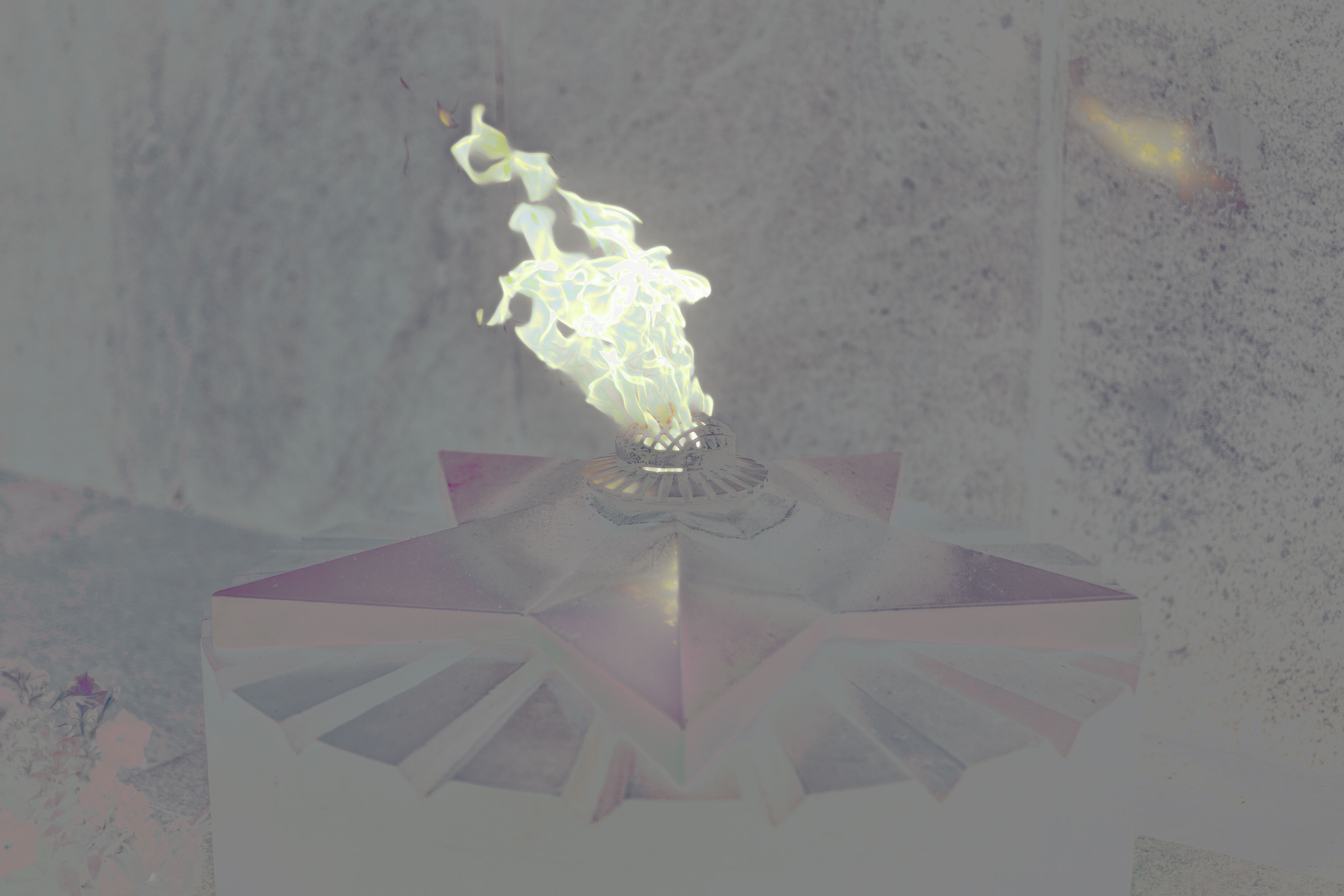
UltraHDR solved both of these problems. The base of the image is a standard SDR JPEG. In addition to it, a separate part of the file contains another SDR JPEG that holds the brightness gain map.
As a result, instead of reducing the image via tone mapping, the process becomes gain-map compositing / blending. This idea proved so successful that AVIF and JPEG XL have relatively recently added support for similar modes.
Legacy / classic programs simply decode the first JPEG image from the file and use that one. Because of this, for example, when an image is resized, the HDR portion can easily be lost - since the older program either doesn’t read that extra section at all or doesn’t understand it.
Adobe Camera Raw
Adobe has been closely involved in the design process of UltraHDR from the very beginning, so their products already offer a solid level of support.
Currently, the easiest way to obtain a universal UltraHDR file that looks great across all types of devices is to export from Adobe Camera Raw (available in Photoshop and Lightroom).
After opening the file, switch to HDR mode and adjust how the image should appear in HDR. For “blind” editing (when you can’t see the actual HDR output), you can enable the “Visualize HDR” option.
Then turn on “Preview for SDR” and fine-tune how the base SDR photograph should look.
Once these adjustments are complete, the file is ready to be exported as an HDR JPEG.
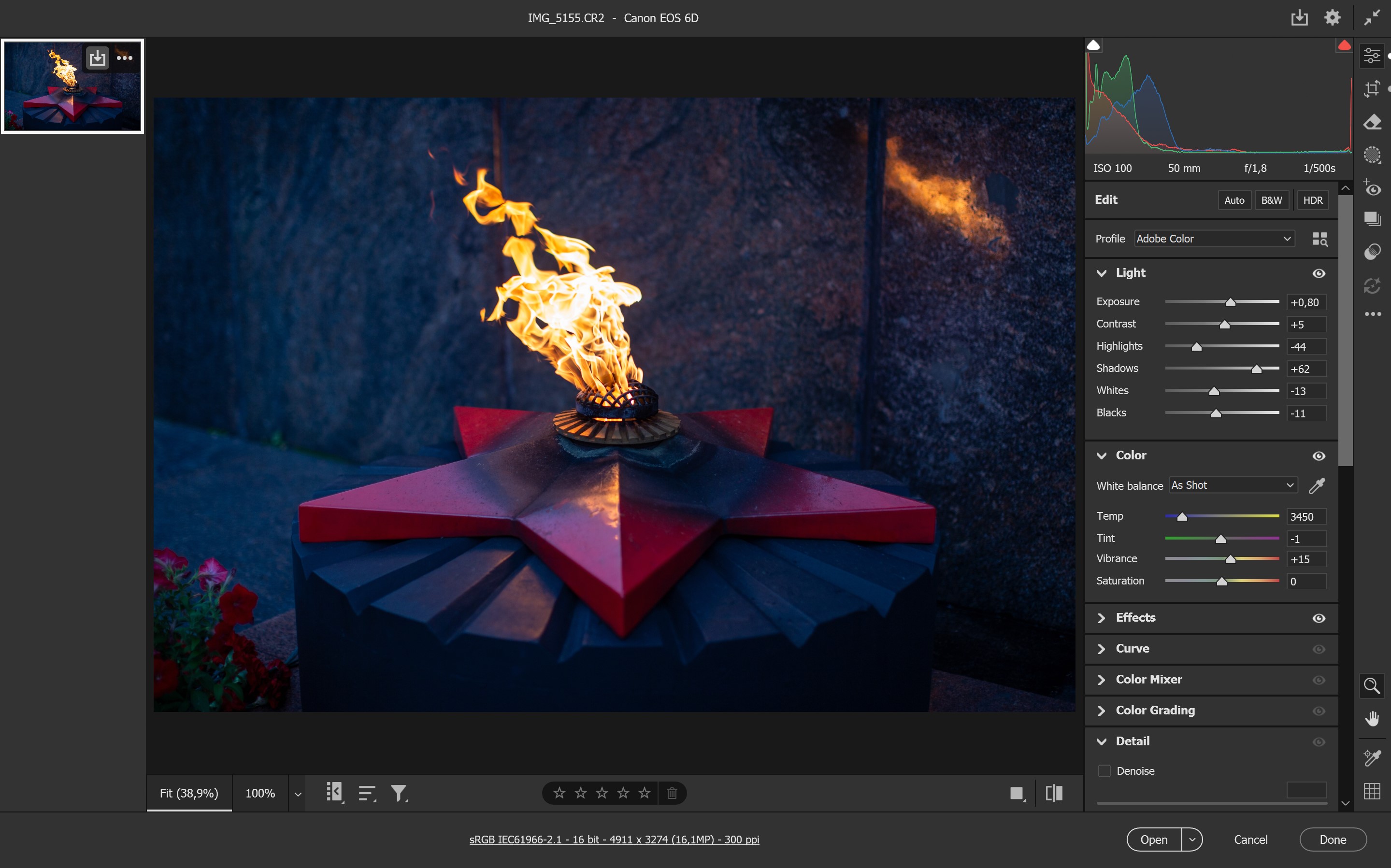
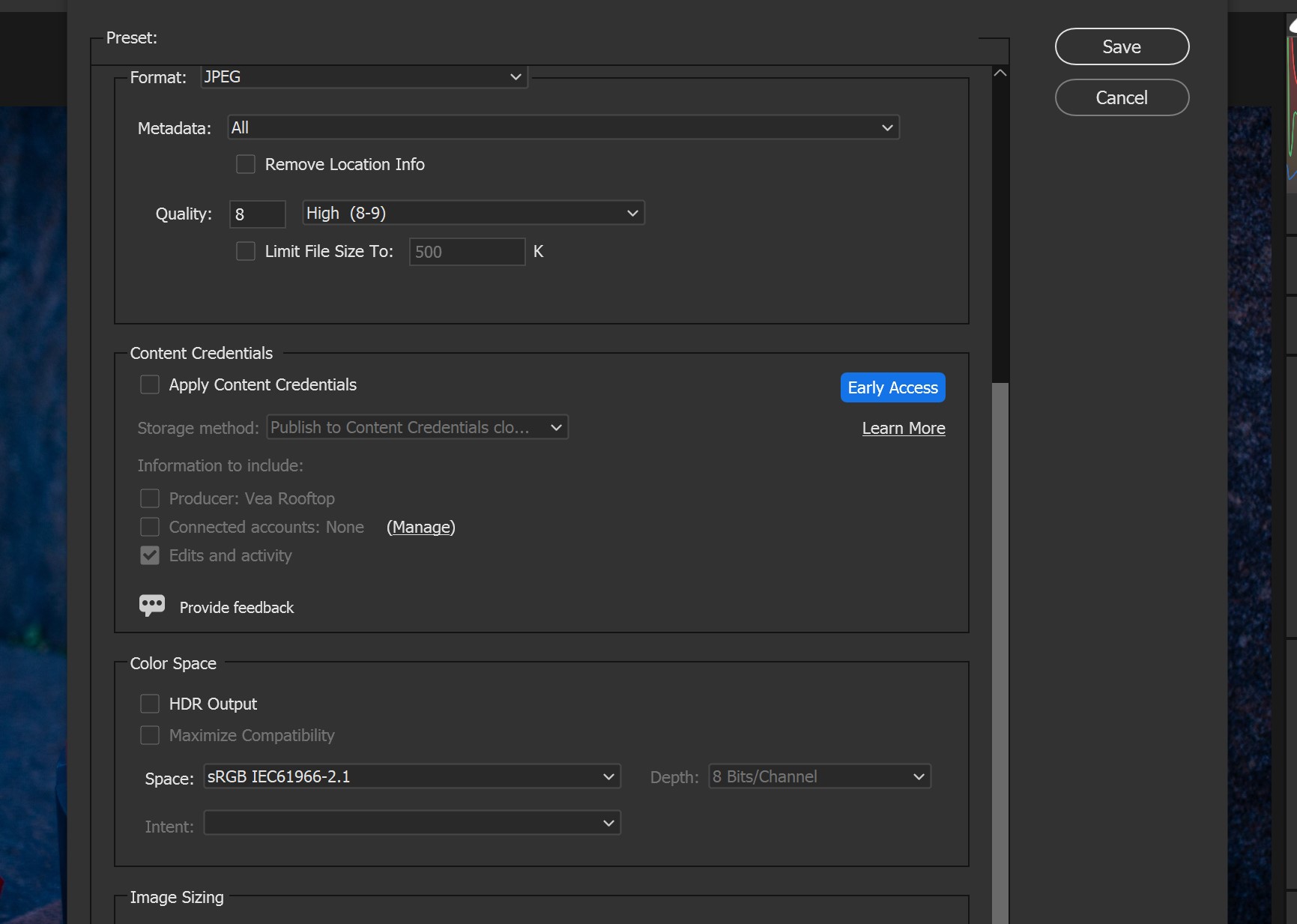
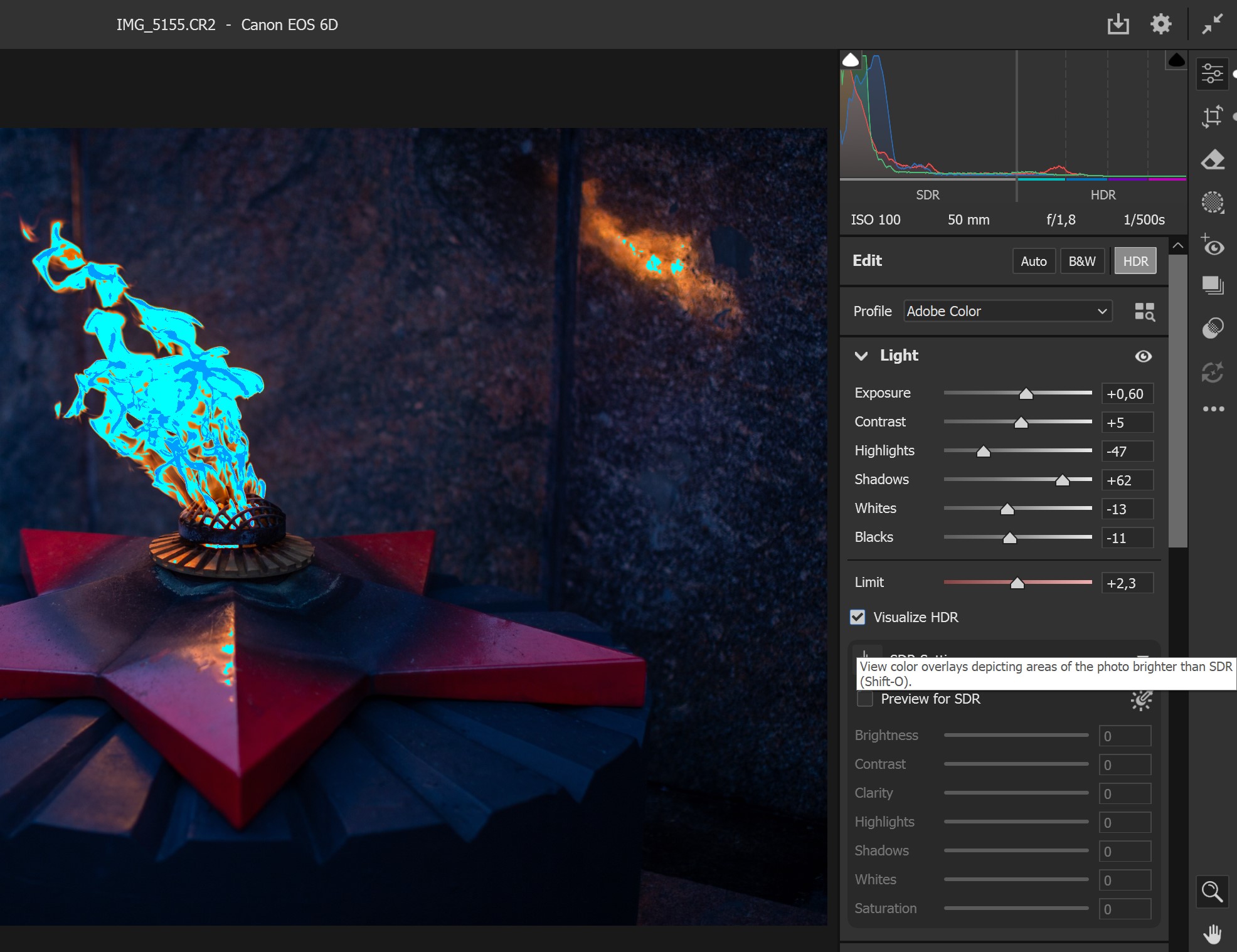
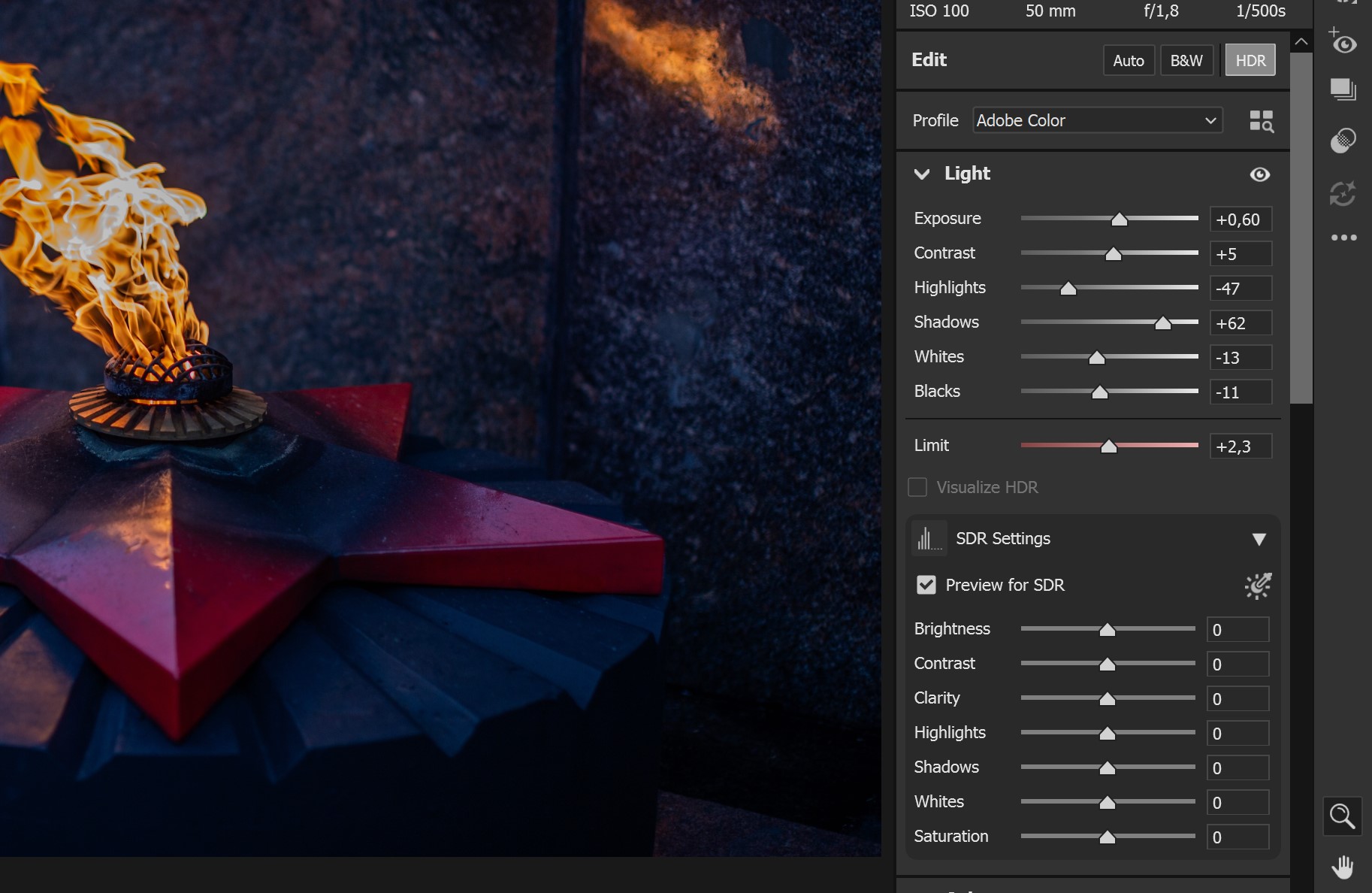
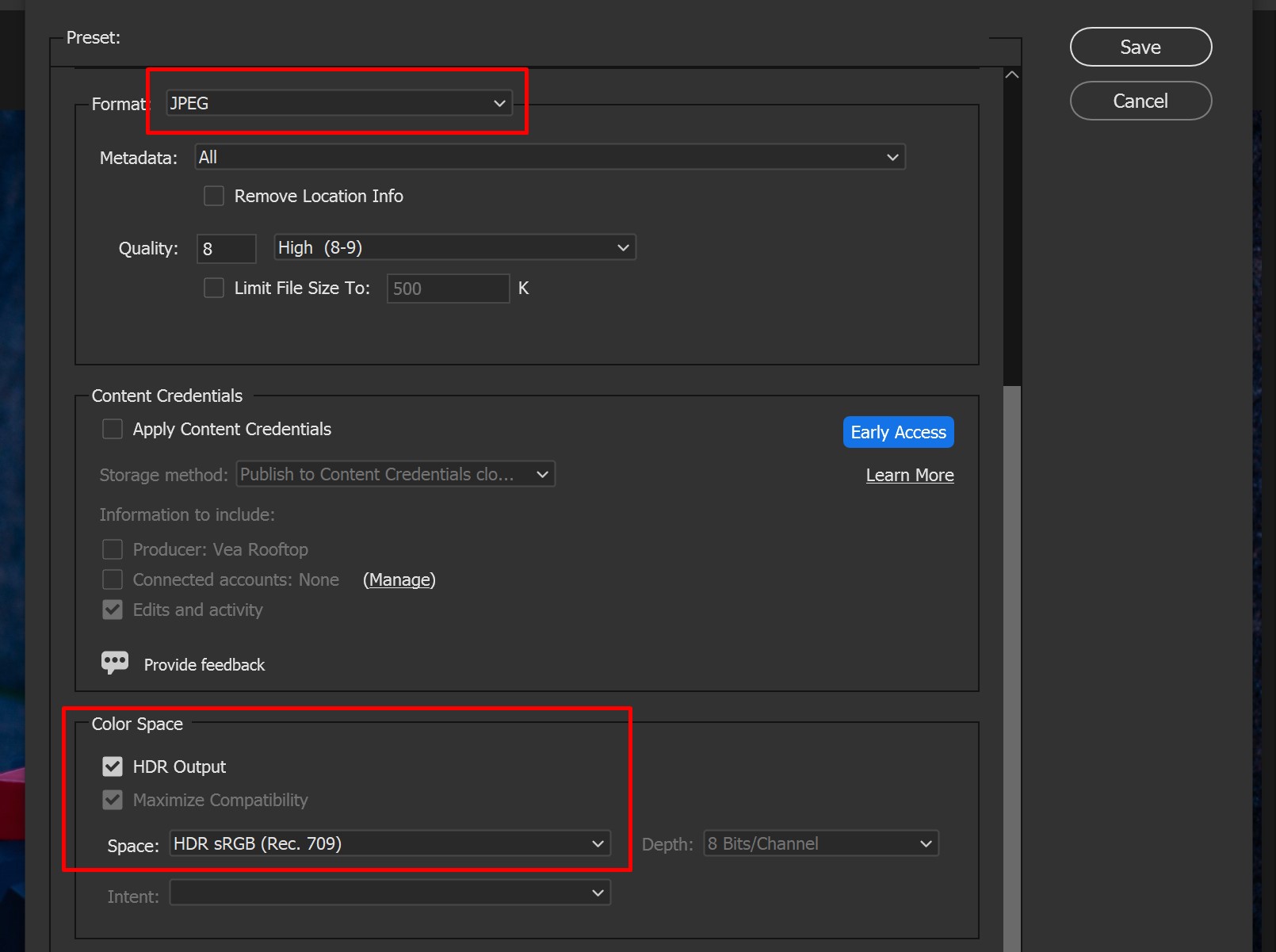
For me, this workflow feels inconvenient. Since I leave most of my photographs in SDR, I start editing and do the first export exactly in SDR.
Only afterward do I decide which photos would actually “look good in” HDR, switch the mode for those specific ones, adjust the HDR appearance, and export them additionally. At the same time, I don’t touch the “Preview for SDR” settings at all.
To be honest, I find the “Preview for SDR” function too limited to be genuinely useful.
As a result, I end up with two files: a beautiful SDR version and a beautiful HDR version (which has an embedded, not-so-beautiful SDR version inside it).
UltraHDR Rebase
As an experiment, while porting libultrahdr to the Go language, I (with the help of an LLM) created a tool for working with UltraHDR containers: uhdrtool (this is still an early version, so bugs are possible).
Usage: uhdrtool <command> [args]
Commands:
  resize -in input.jpg -out output.jpg -w 2400 -h 1600 [-q 85] [-gq 75] [-primary-out p.jpg] [-gainmap-out g.jpg]
  rebase -in uhdr.jpg -primary better_sdr.jpg -out output.jpg [-q 95] [-gq 85] [-primary-out p.jpg] [-gainmap-out g.jpg]
  detect -in input.jpg
  split  -in input.jpg -primary-out primary.jpg -gainmap-out gainmap.jpg [-meta-out meta.json]
  join   -meta meta.json -primary primary.jpg -gainmap gainmap.jpg -out output.jpg
        (or) join -template input.jpg -primary primary.jpg -gainmap gainmap.jpg -out output.jpg
The rebase command replaces the base SDR image. When such a replacement occurs, the brightness map (gainmap) is also modified accordingly, so that the resulting HDR version remains as close as possible to the original.
uhdrtool rebase -in IMG_5155.uhdr.jpg -primary IMG_5155.sdr.jpg -out IMG_5155.uhdr-rebased.jpg
As a result, I end up with a final file IMG_5155.uhdr-rebased.jpg that works well for both SDR and HDR devices.
You can combine quite significantly different images (for example, ones with very different color temperatures). The brightness map (gainmap) will also change its color accordingly. For instance, you can have two different brightness maps intended for the same HDR content but paired with different base SDR images.
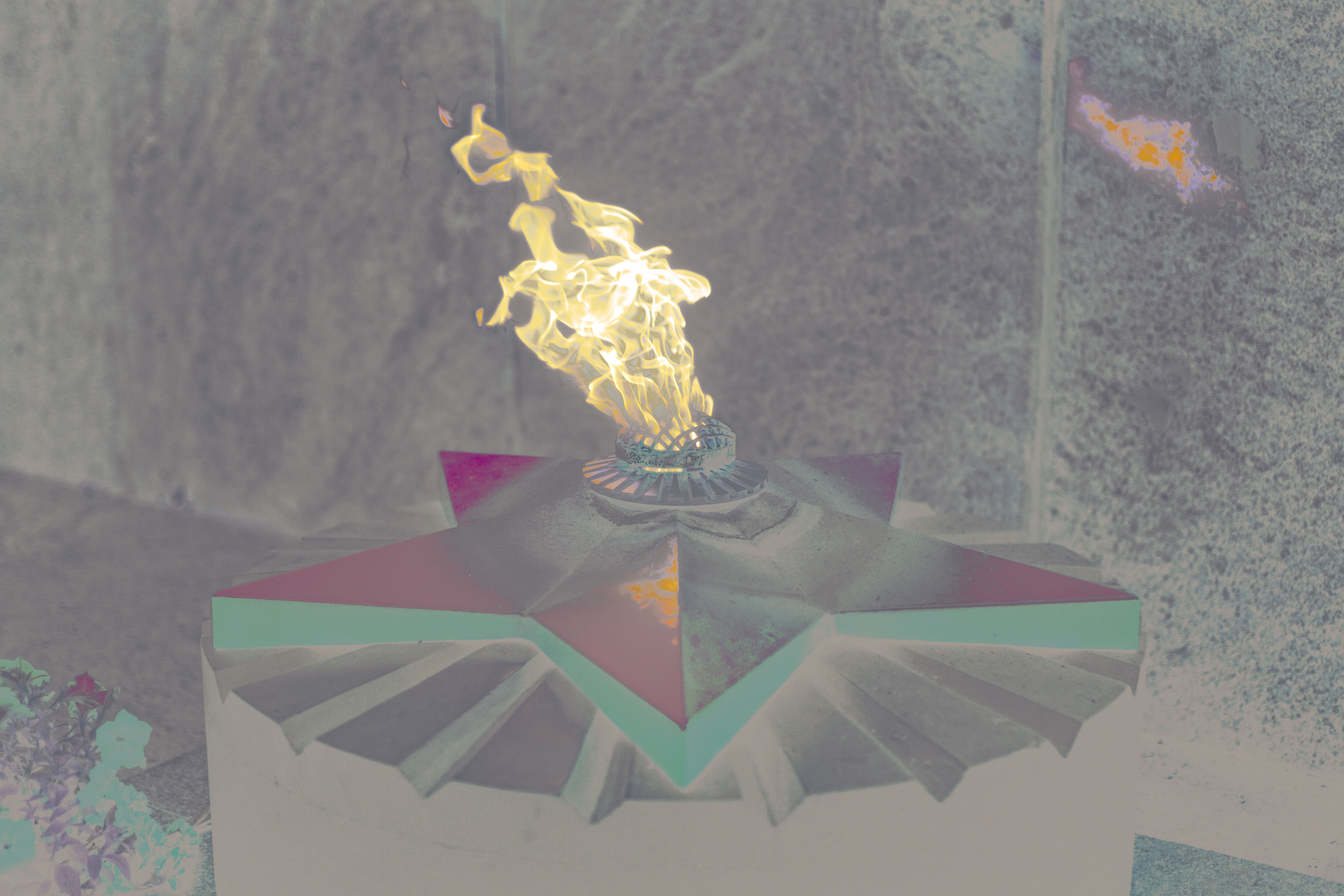
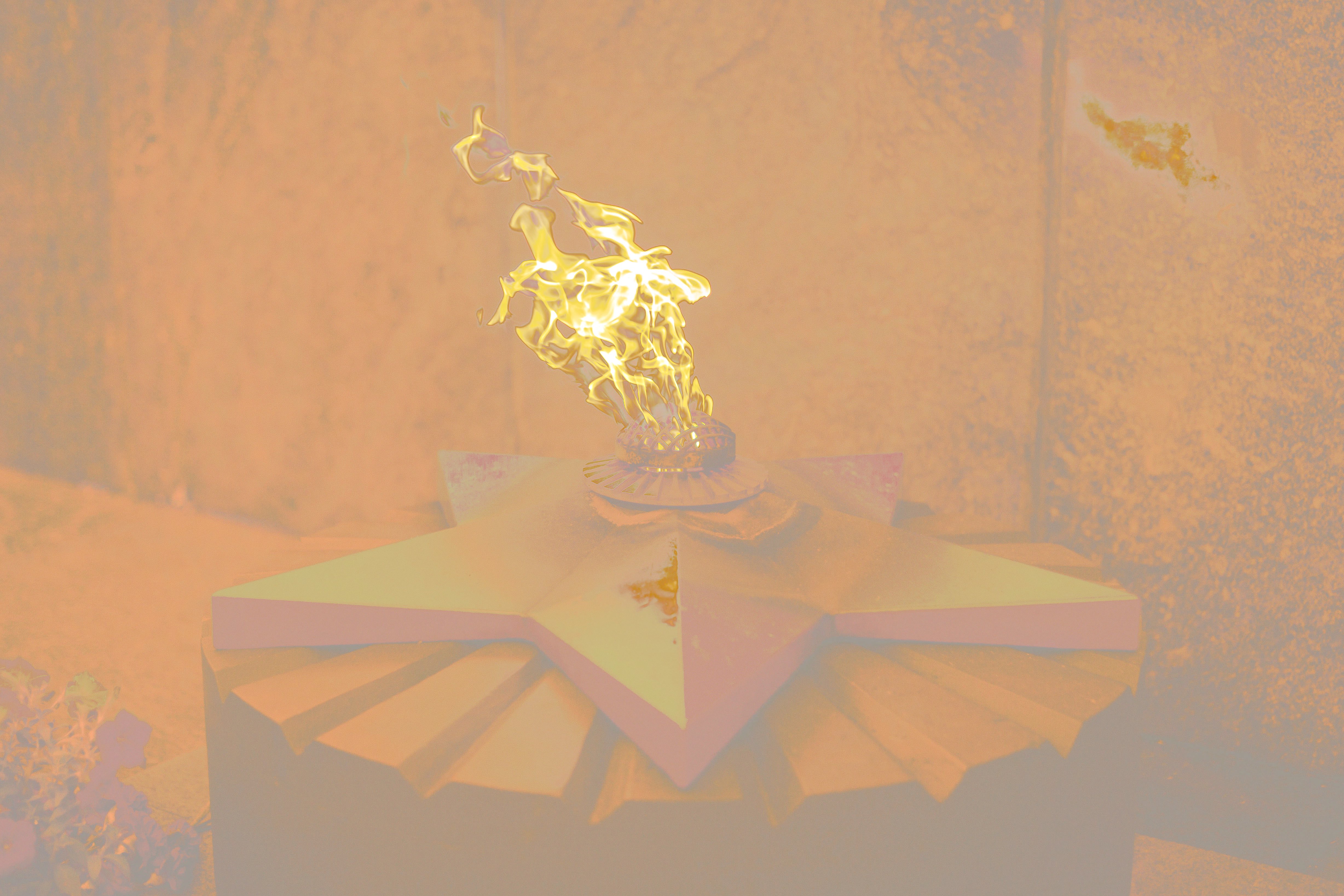
Applicability
In modern society, the vast majority of photo content is consumed on phones, and phones are the most ready for HDR - both from a hardware and software perspective.
Photos that have an appropriate, interesting, and wide dynamic range are definitely worth publishing in UltraHDR format. Doing so adds a bright spark to an otherwise gray feed.
The maximum impact from HDR content is achieved through contrast - for example, when someone opens an HDR photo right after viewing the same image in SDR. But moderation and balance are important. Some people don’t like it when a blinding nuclear flash suddenly appears in the same gray feed, especially if it doesn’t serve any artistic purpose.
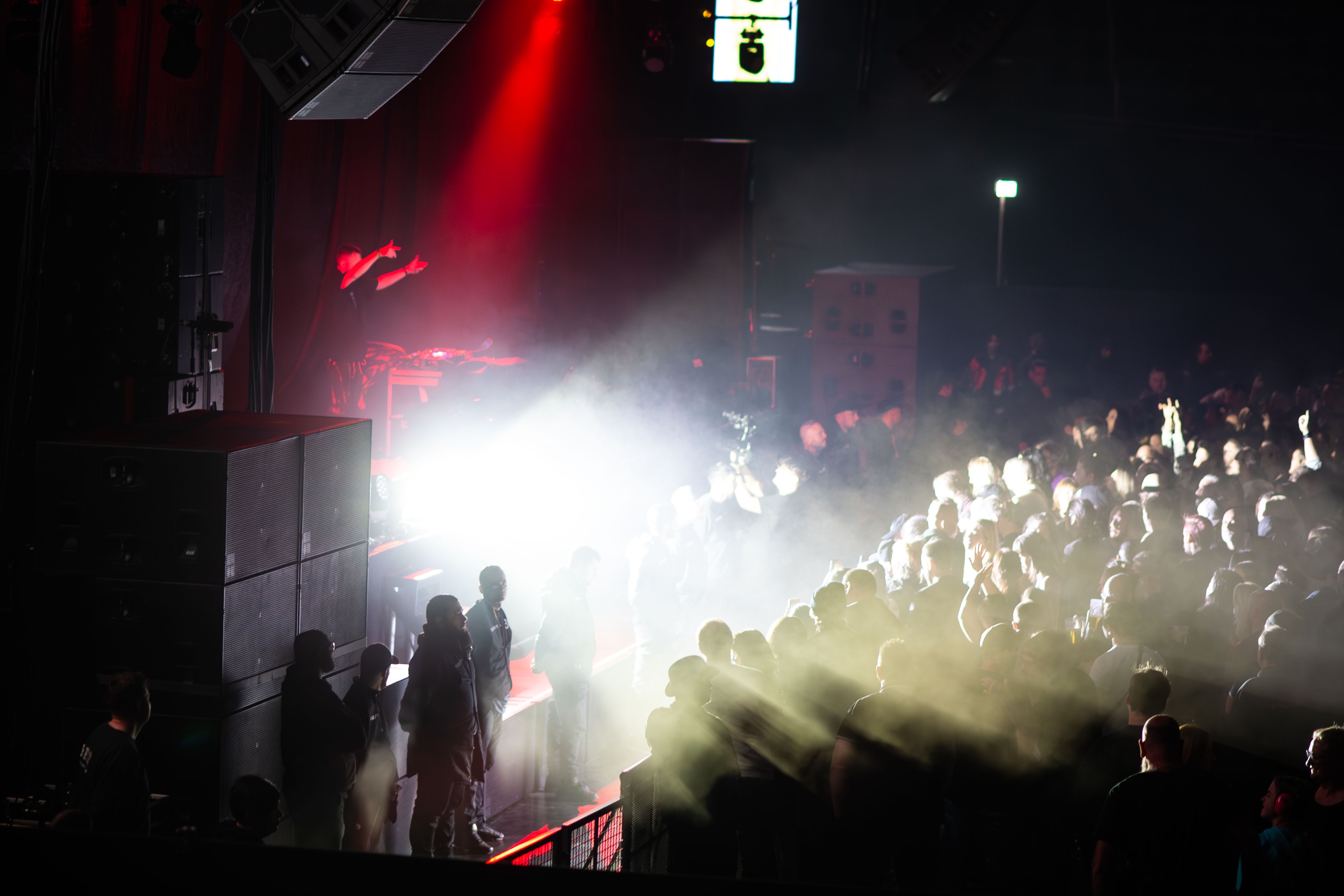
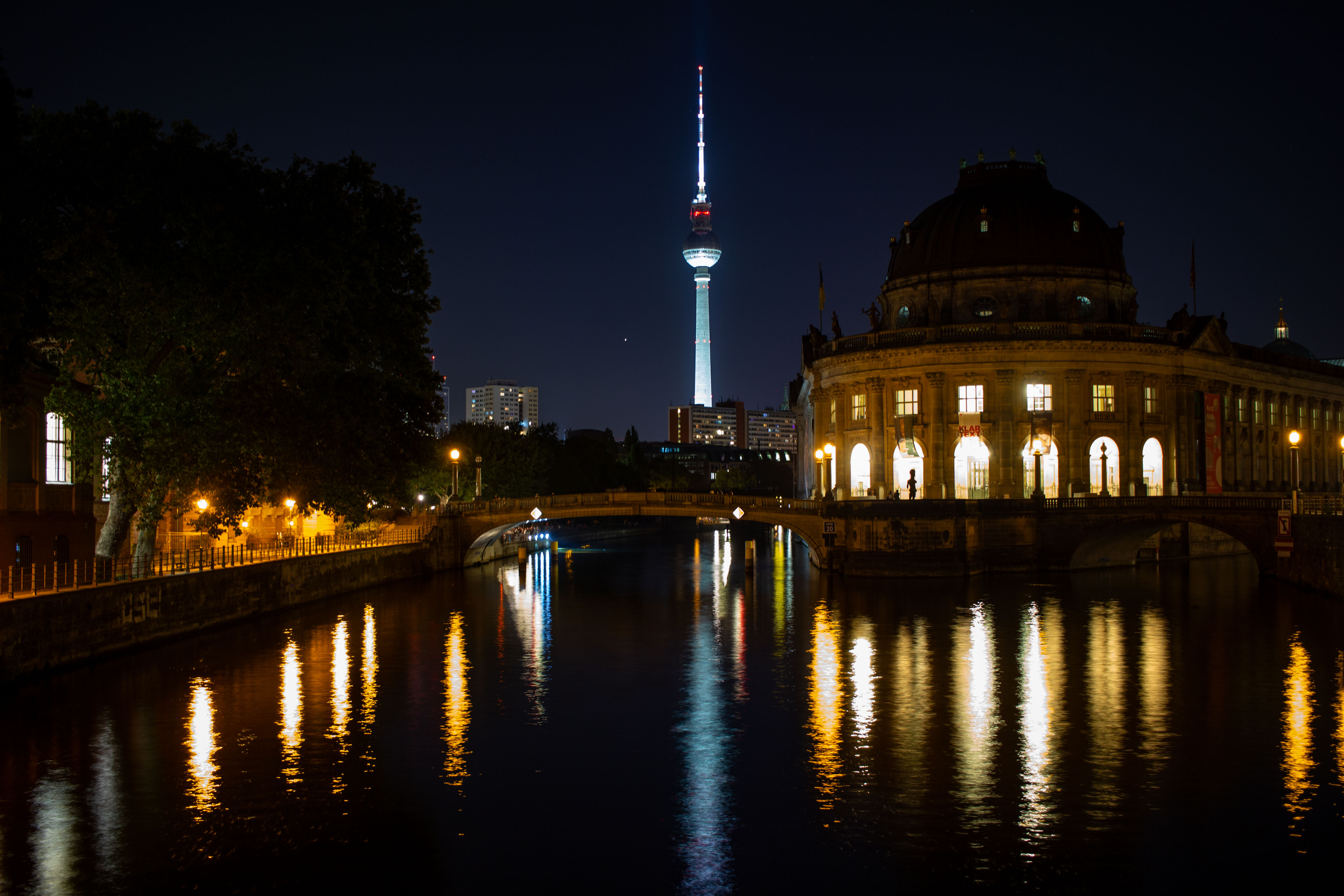
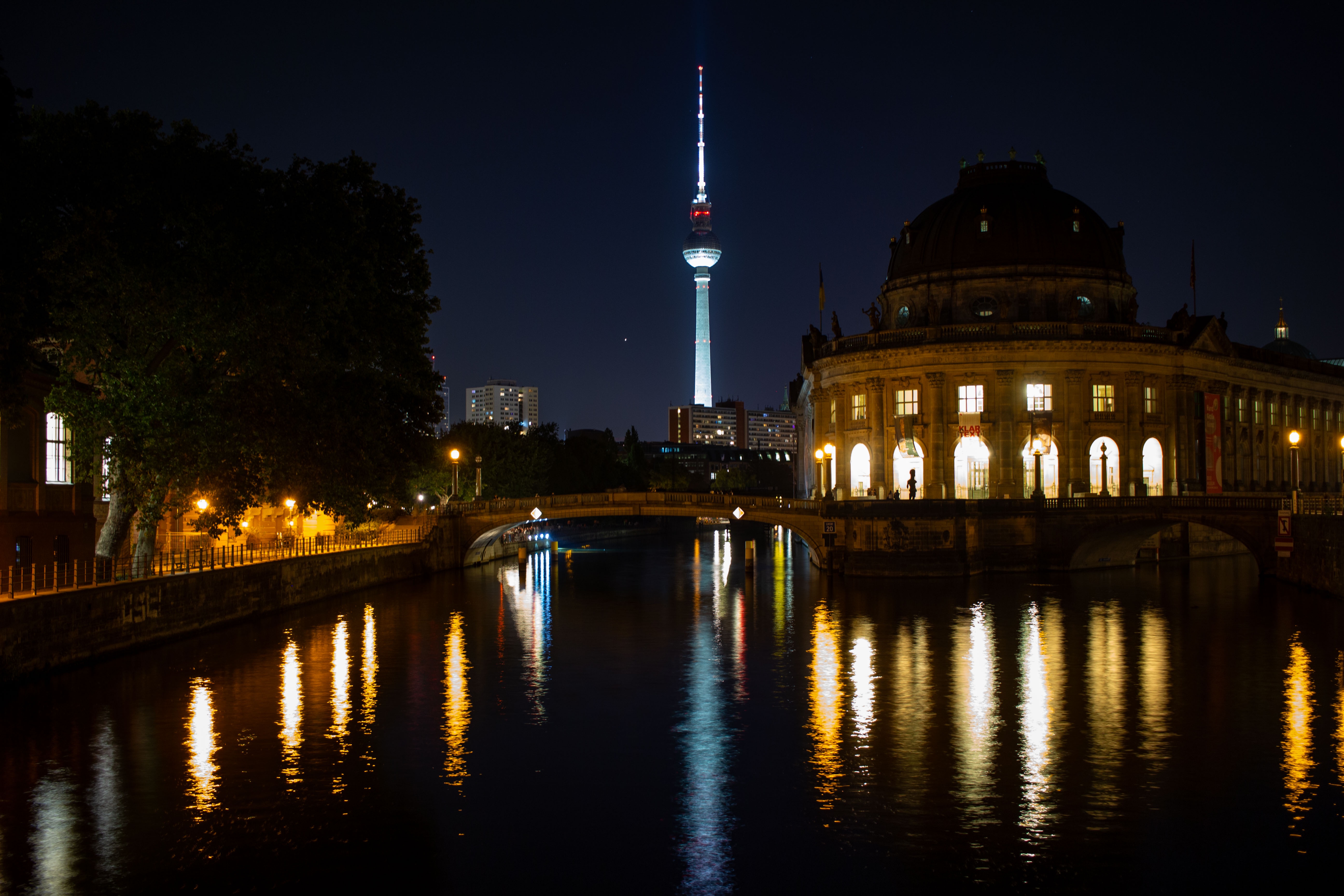
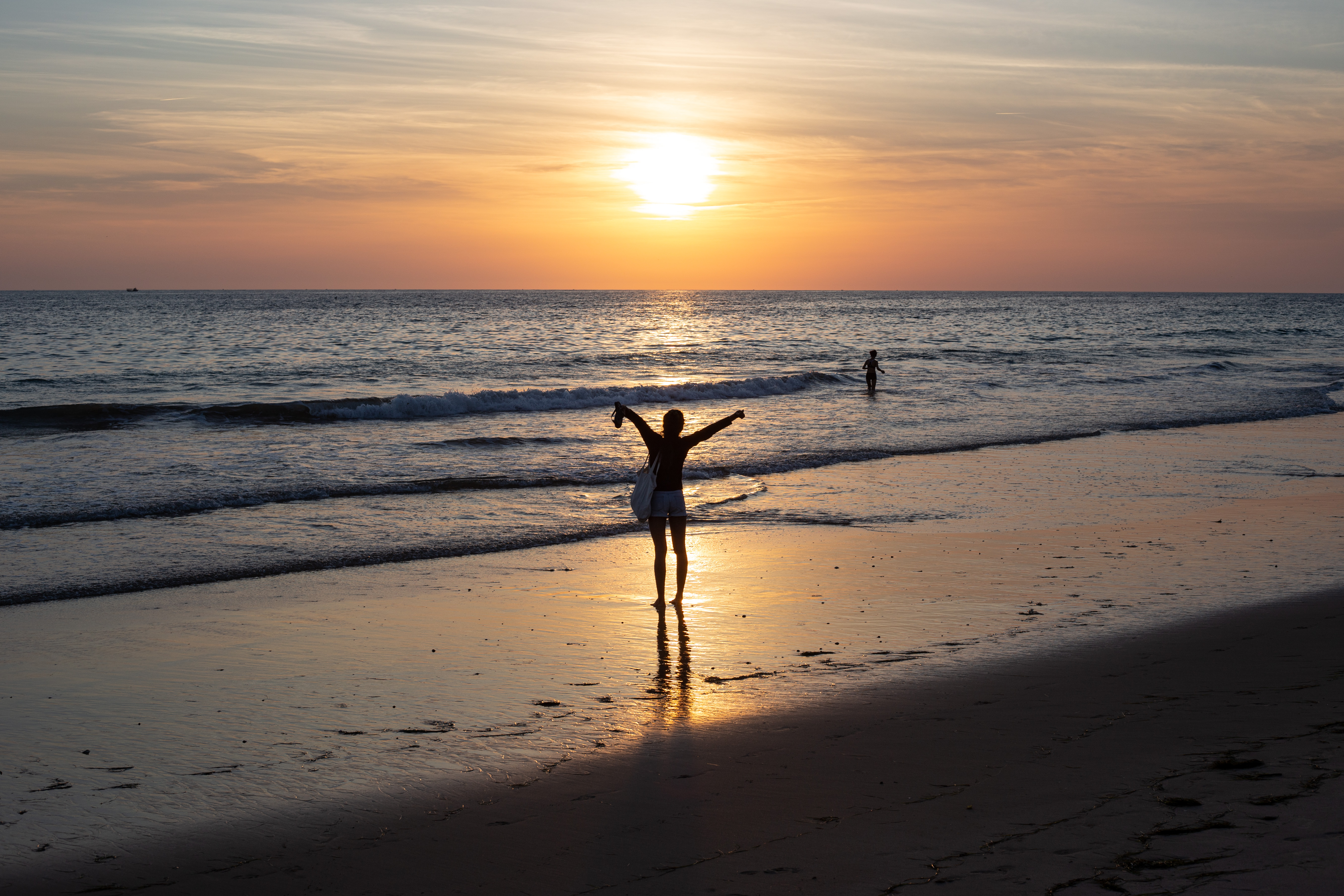
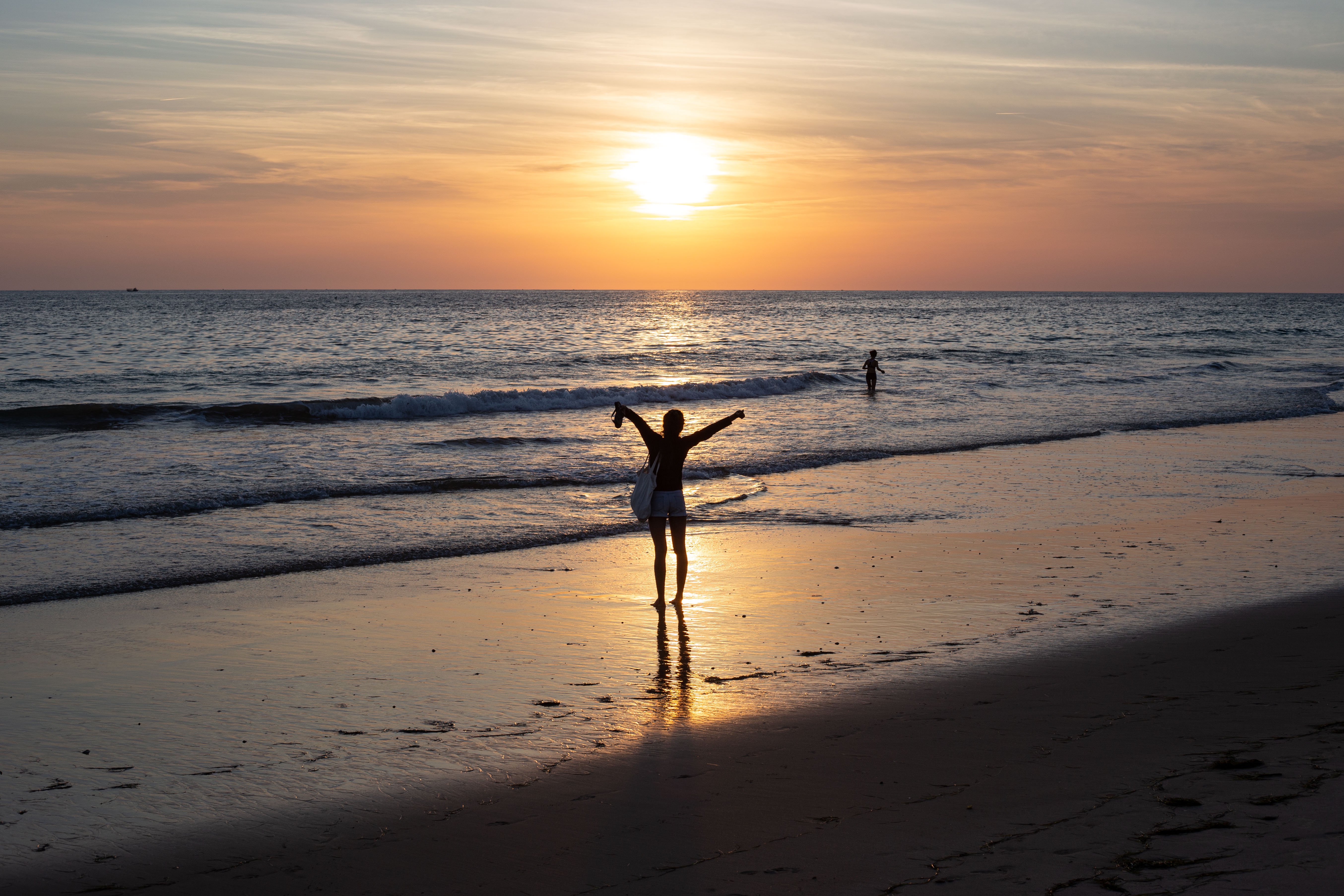
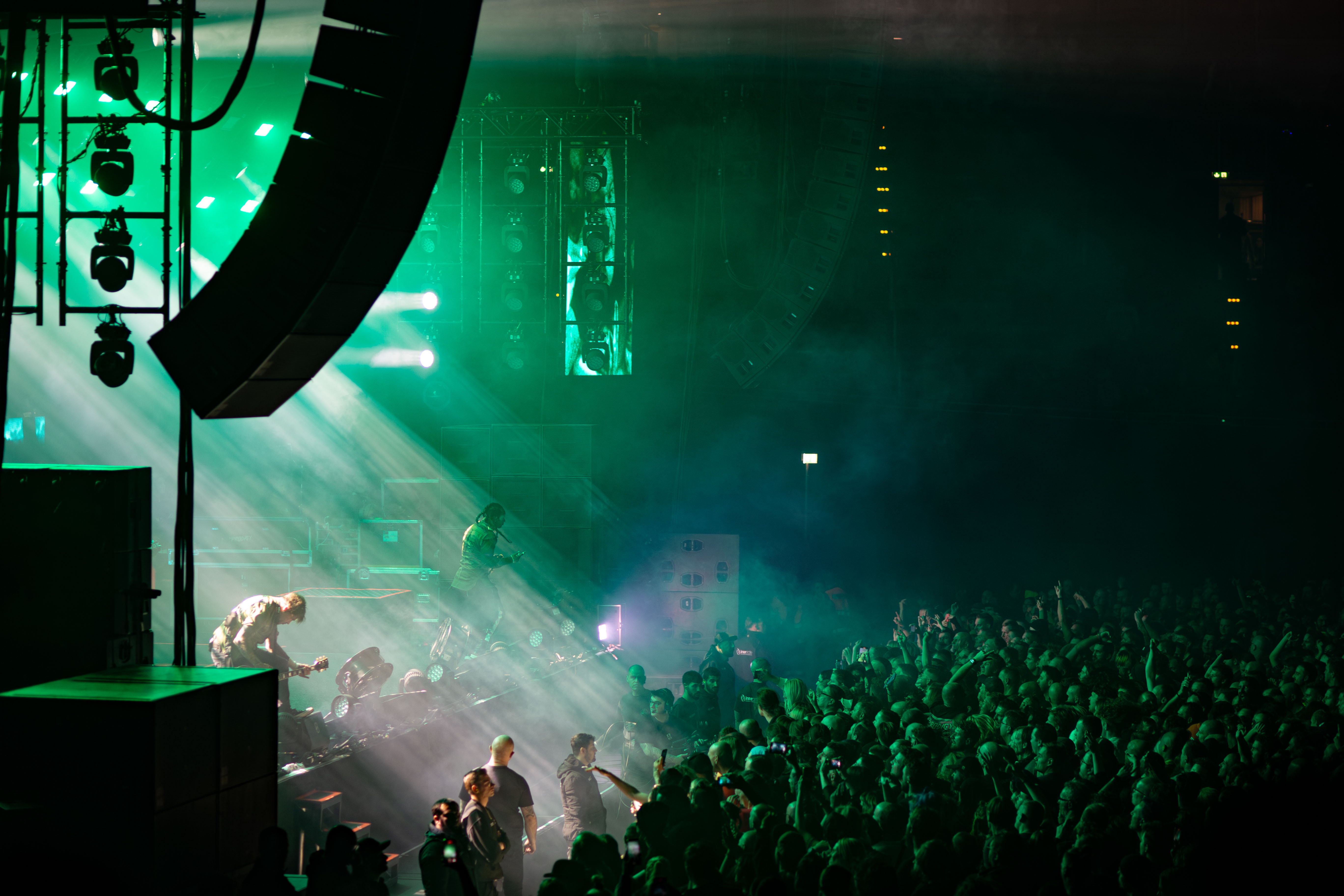
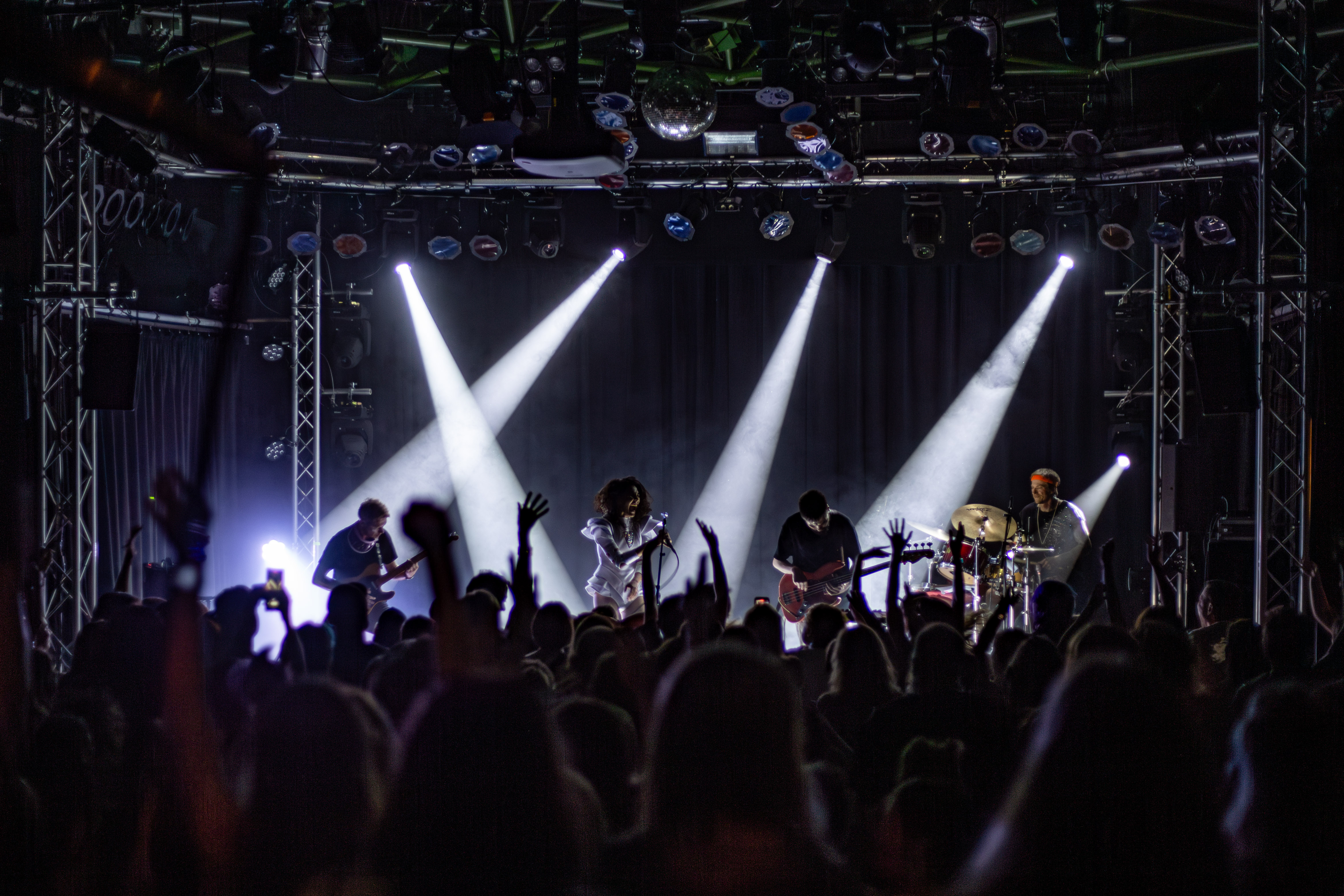
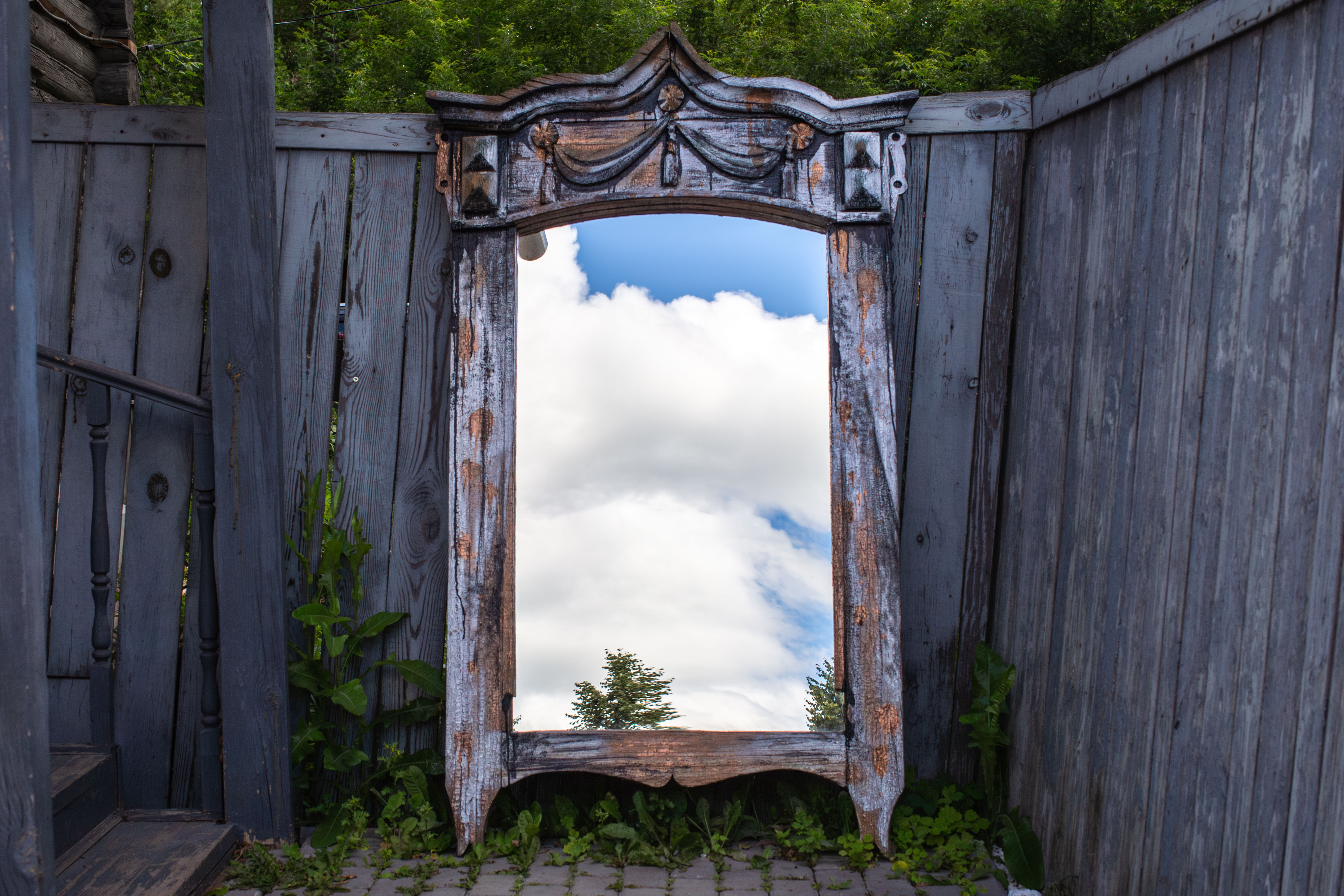
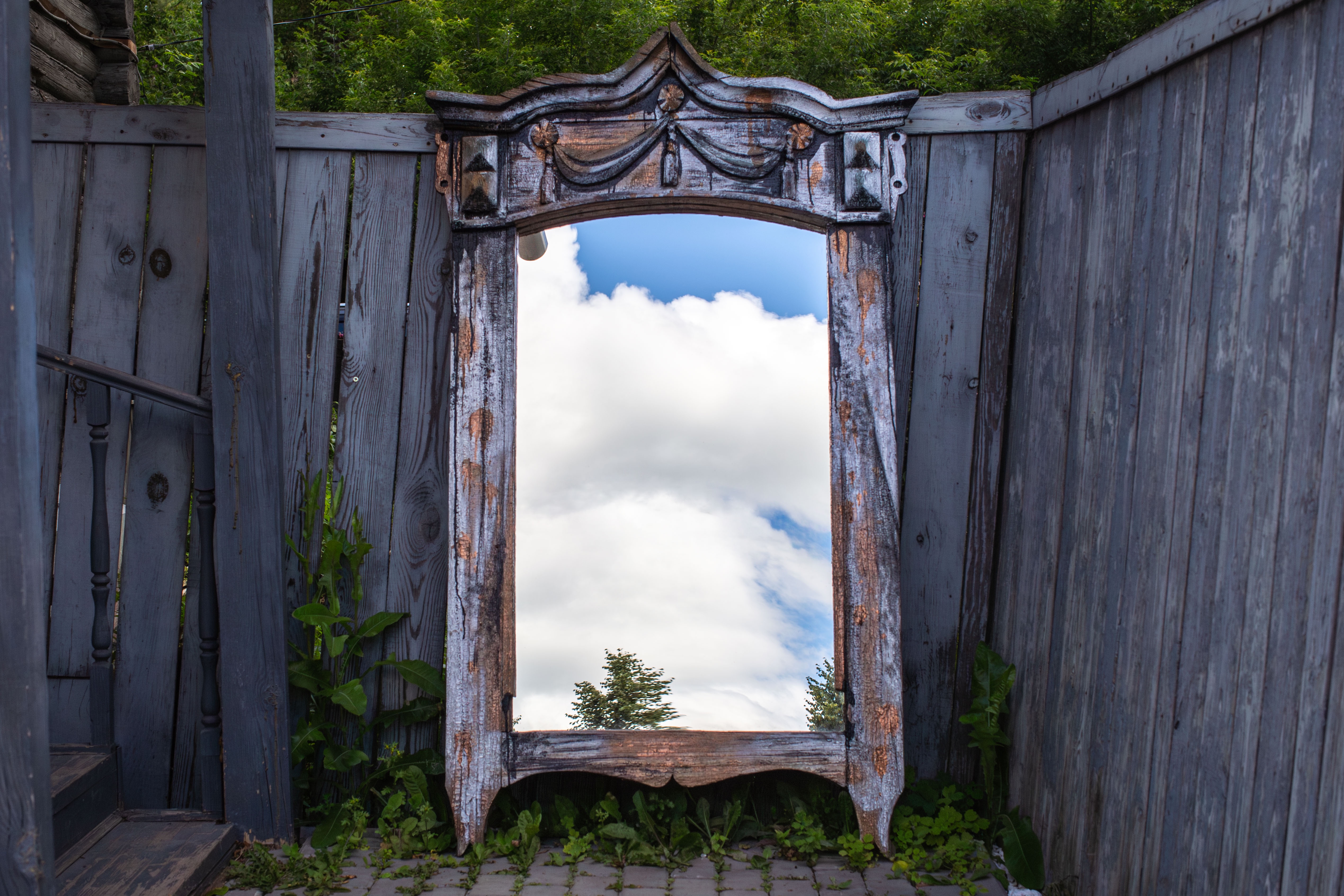
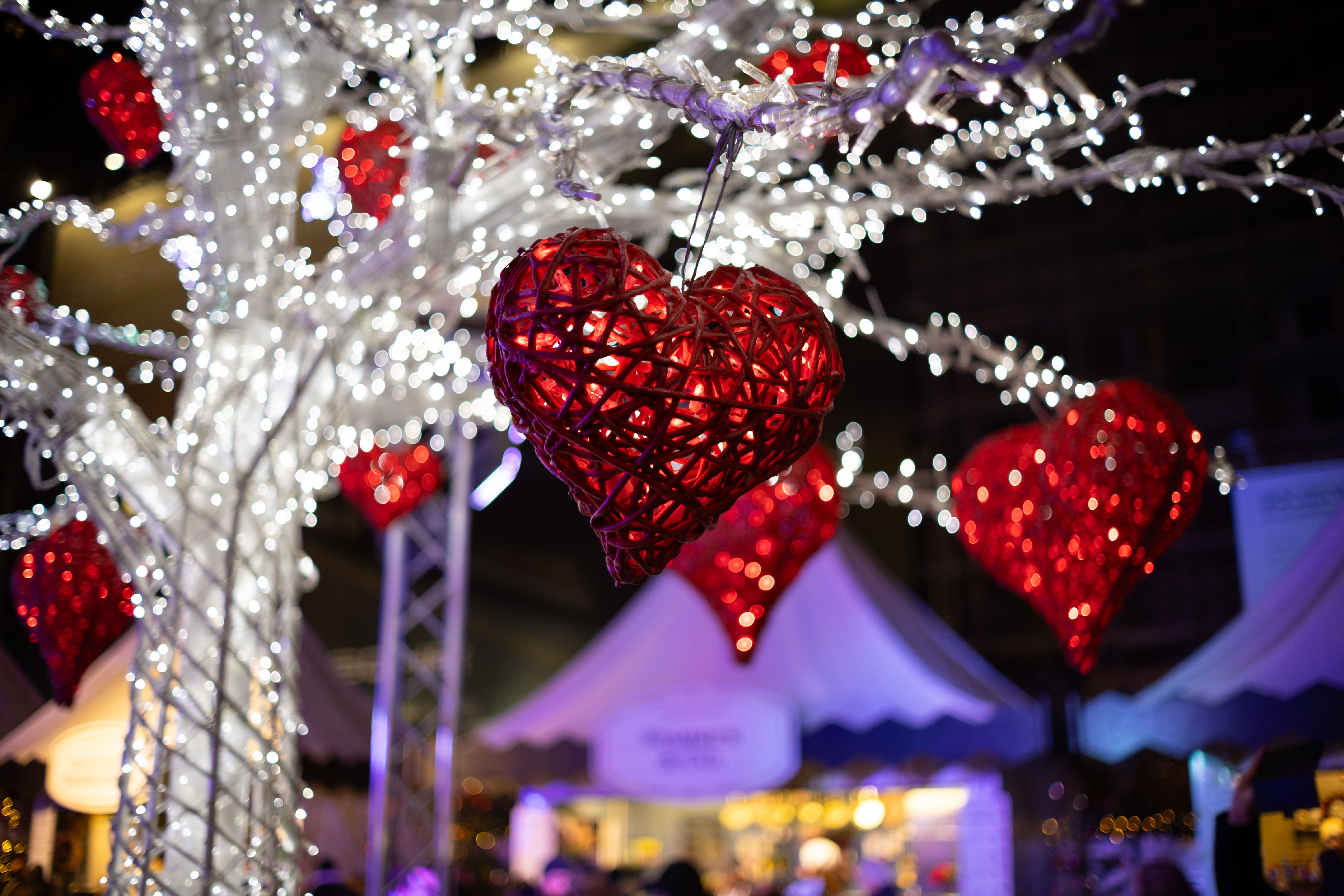
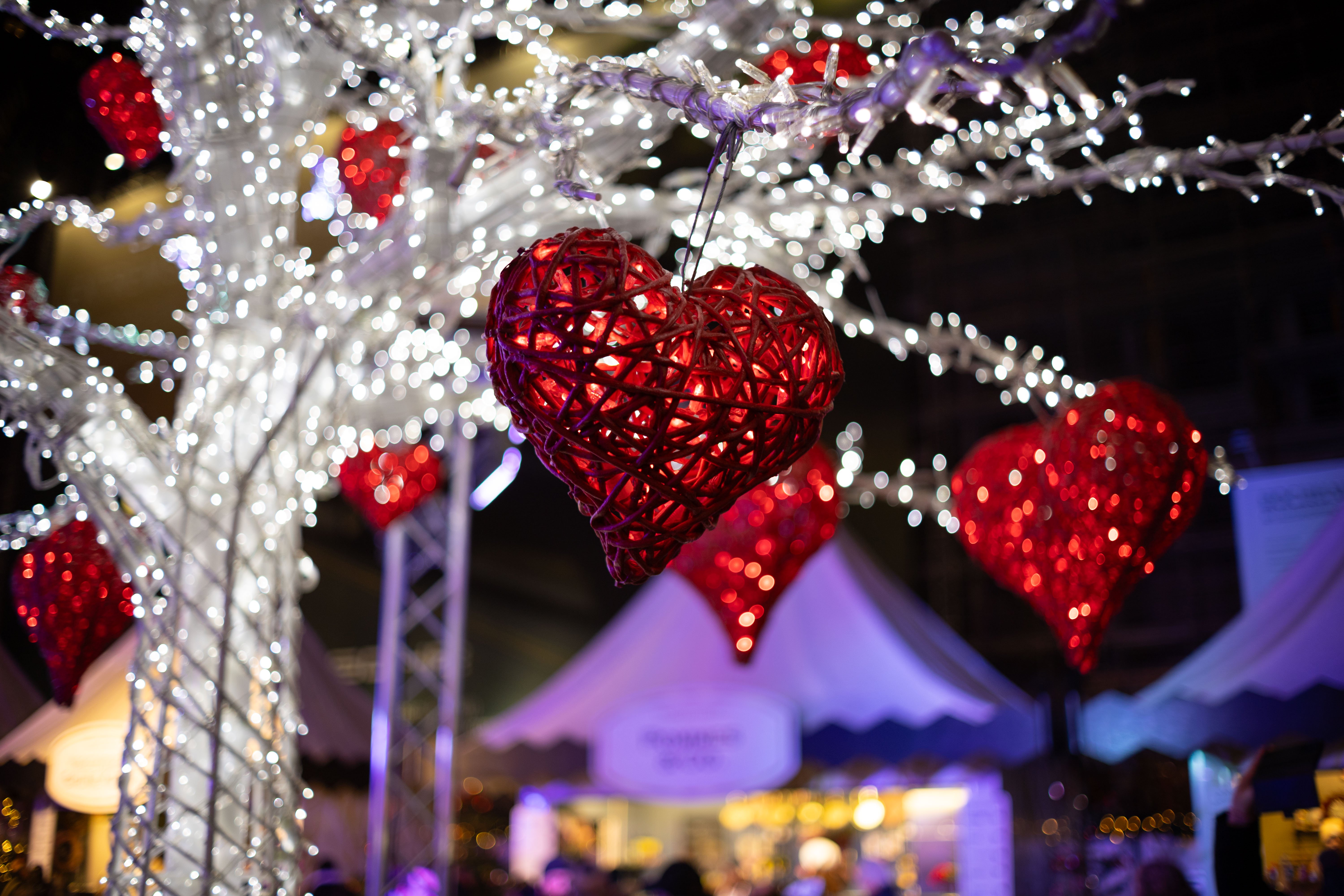
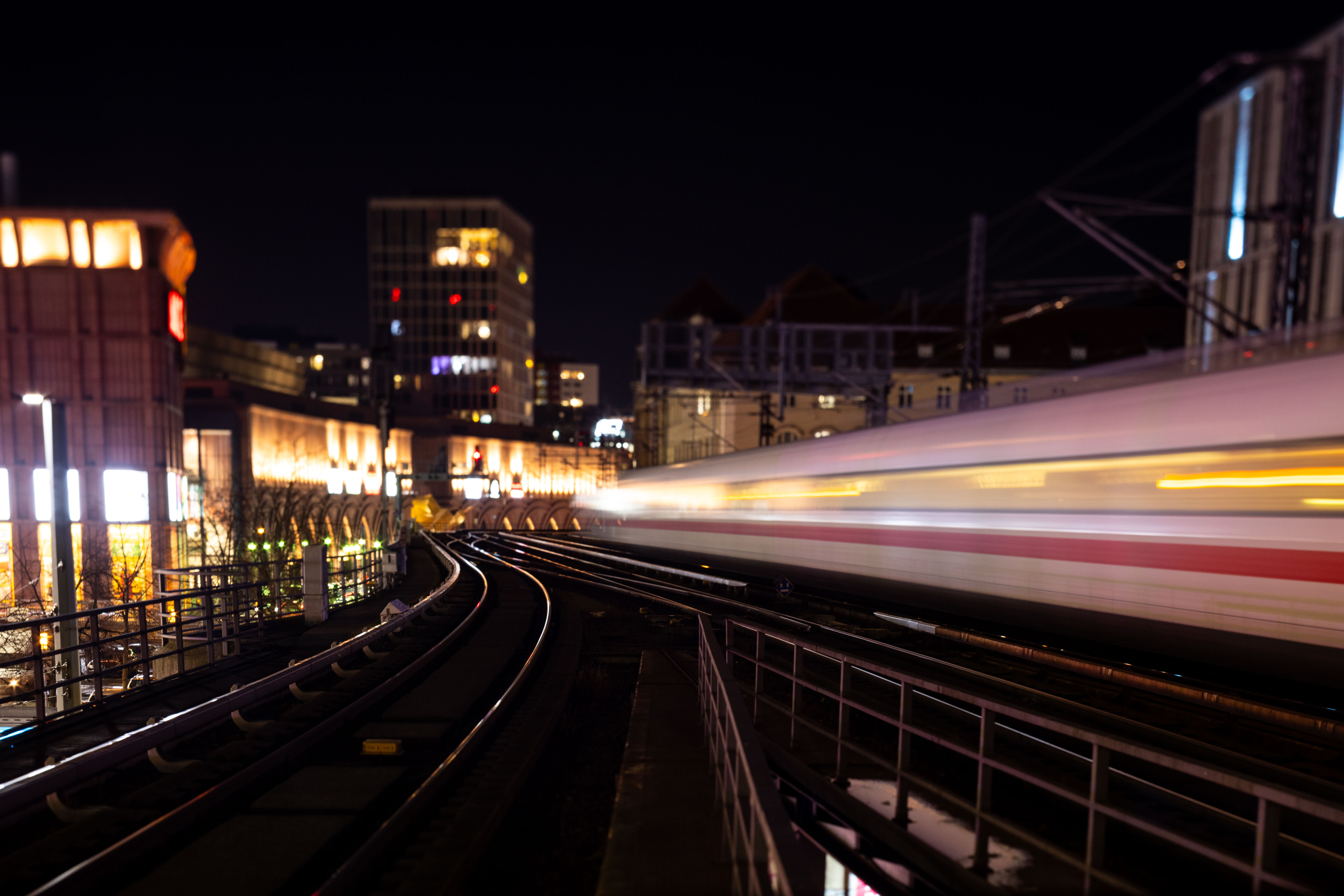
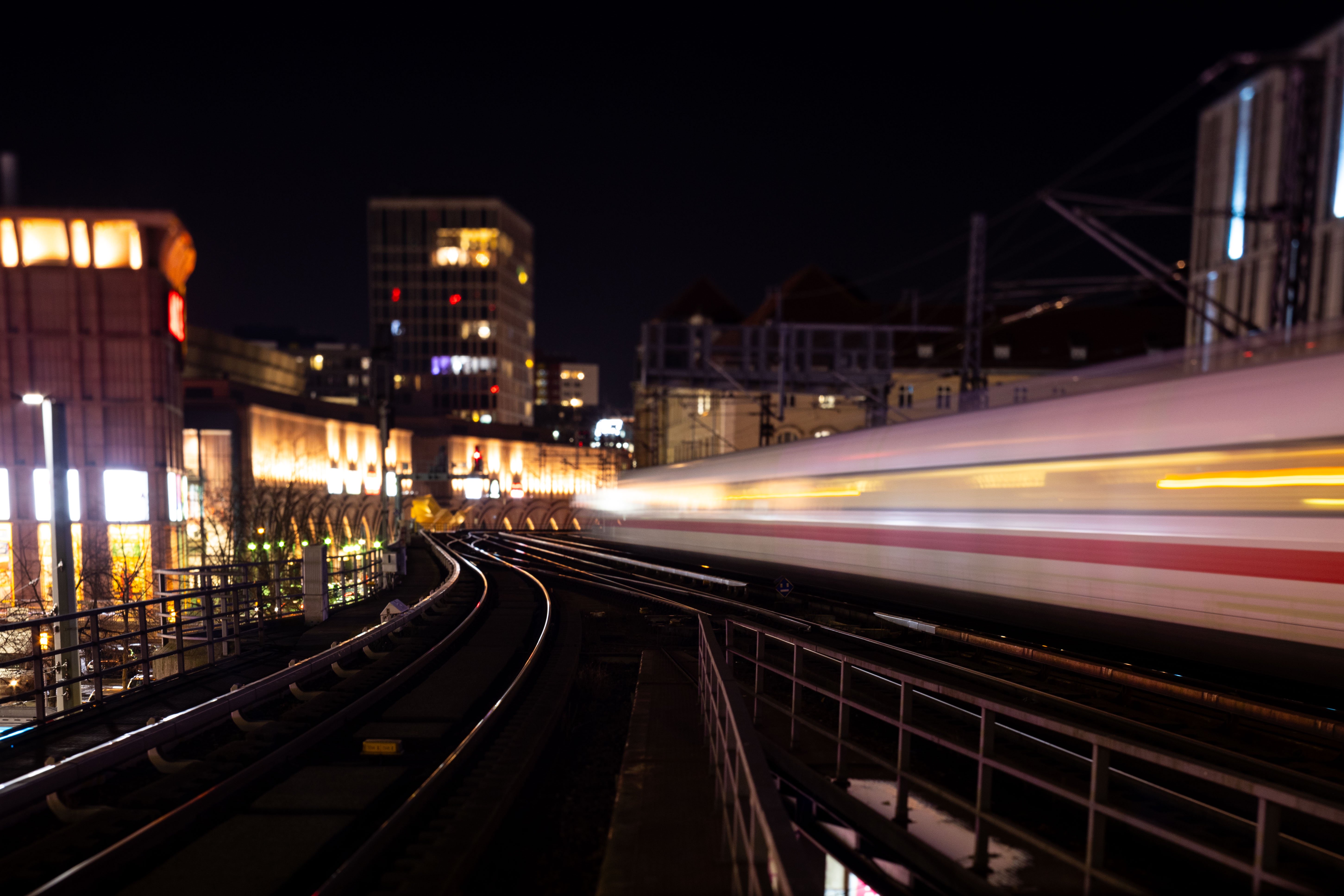
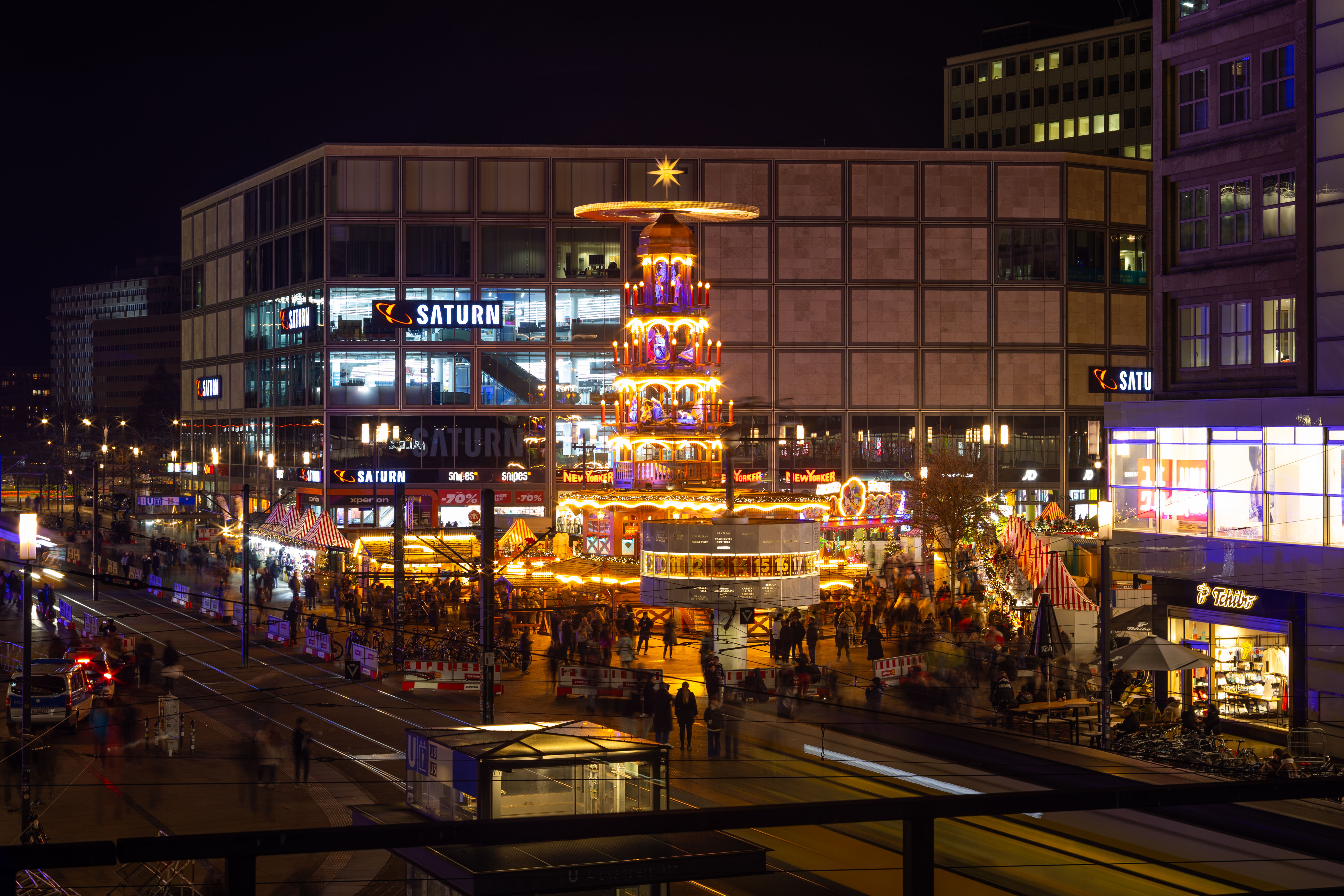
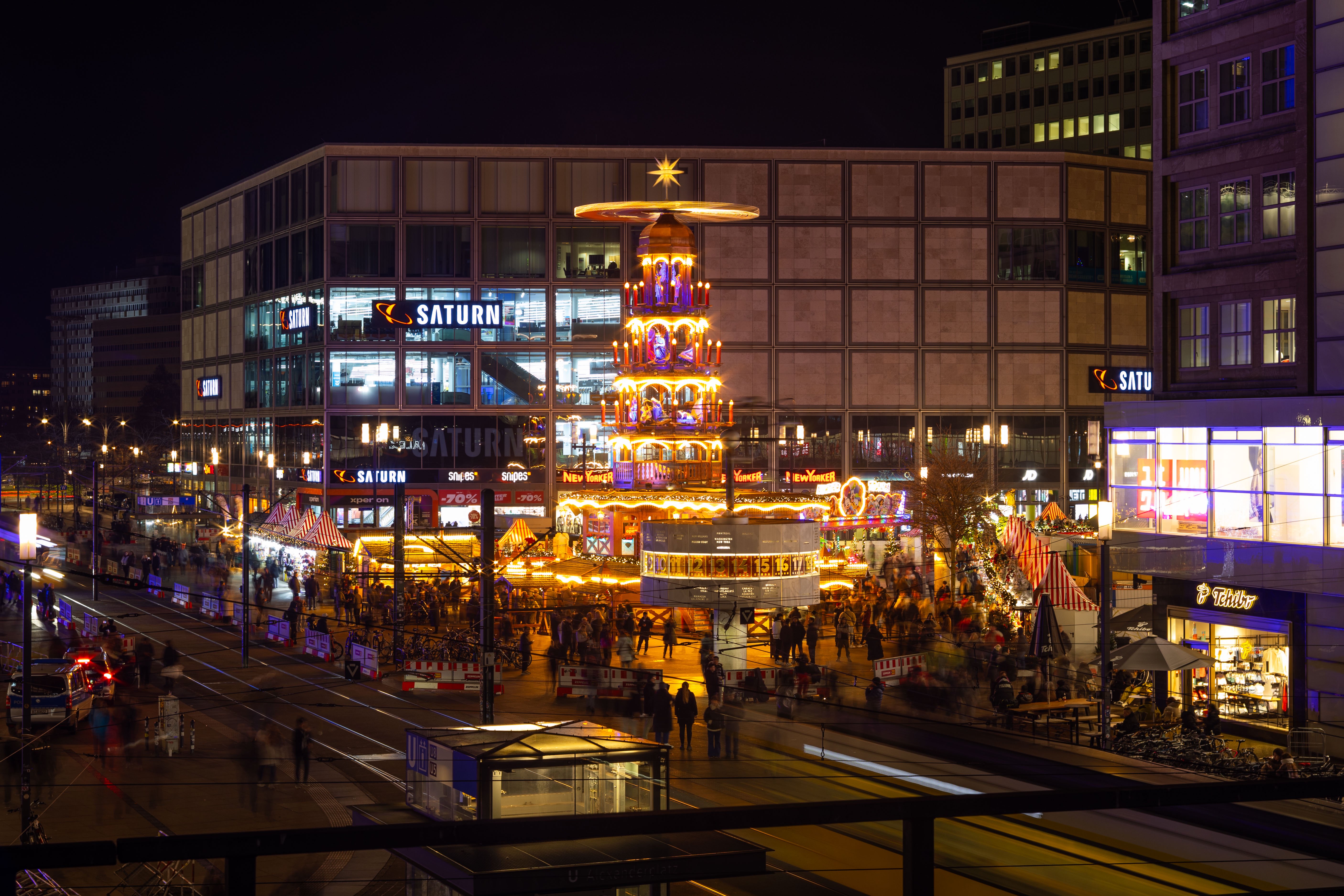
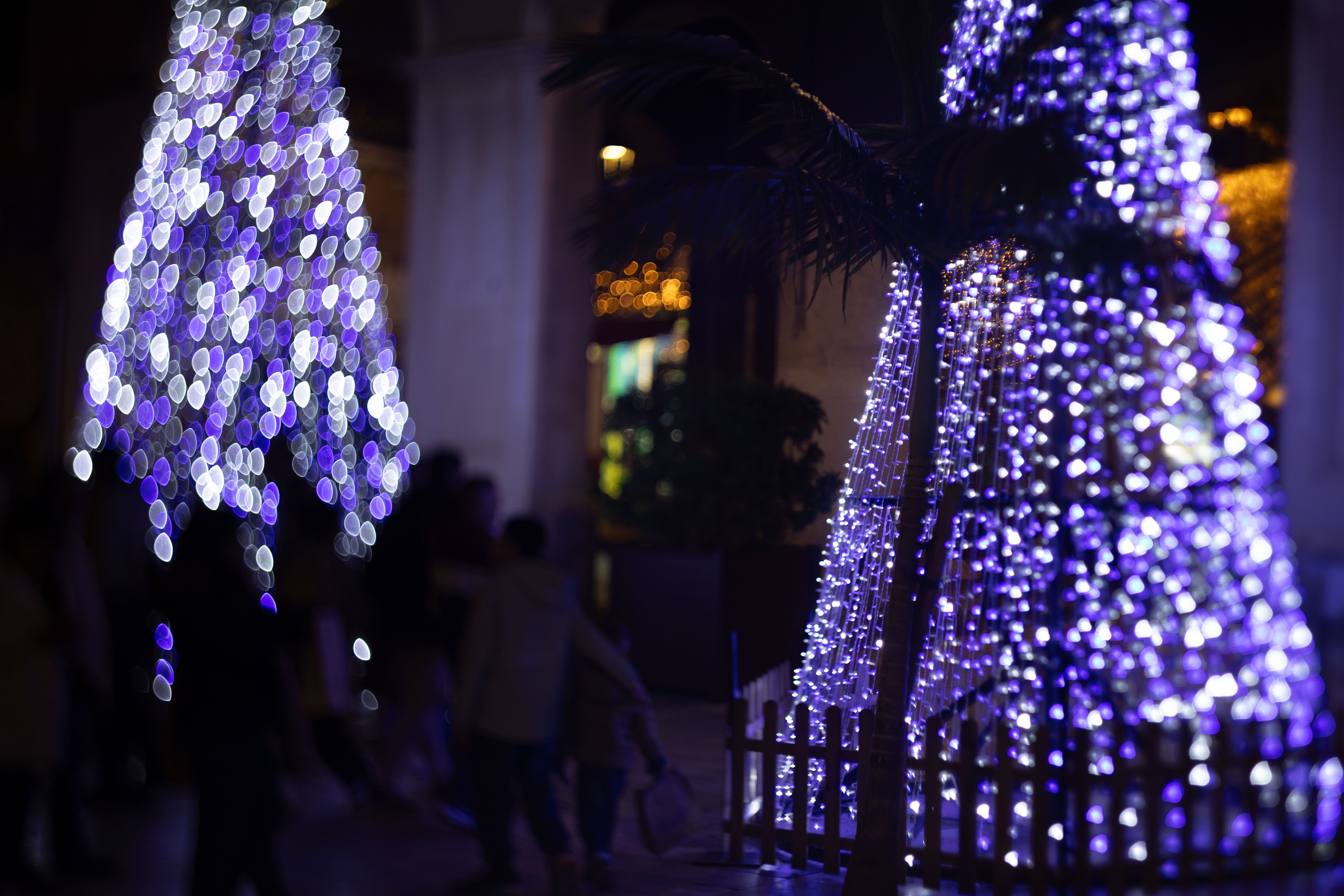
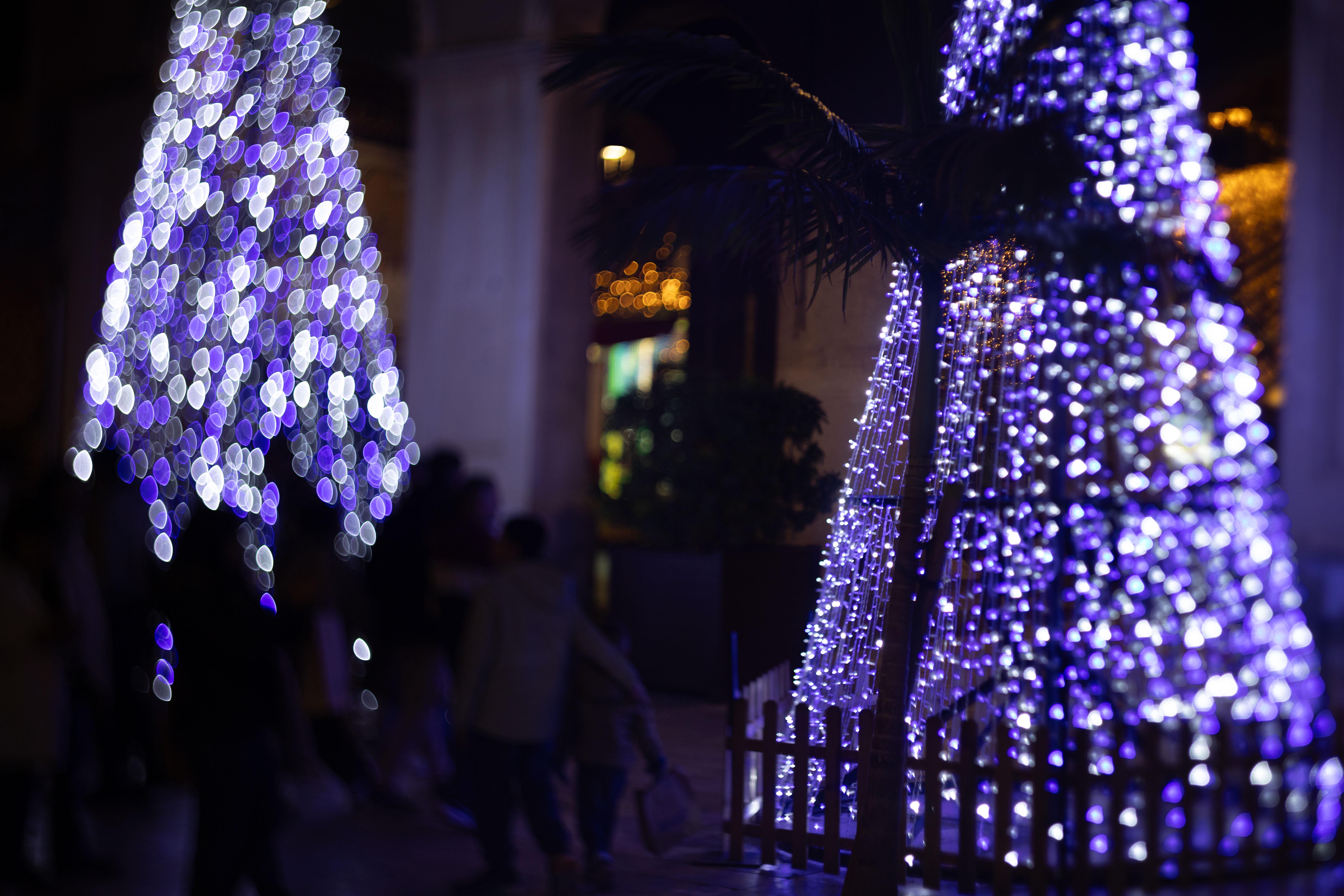
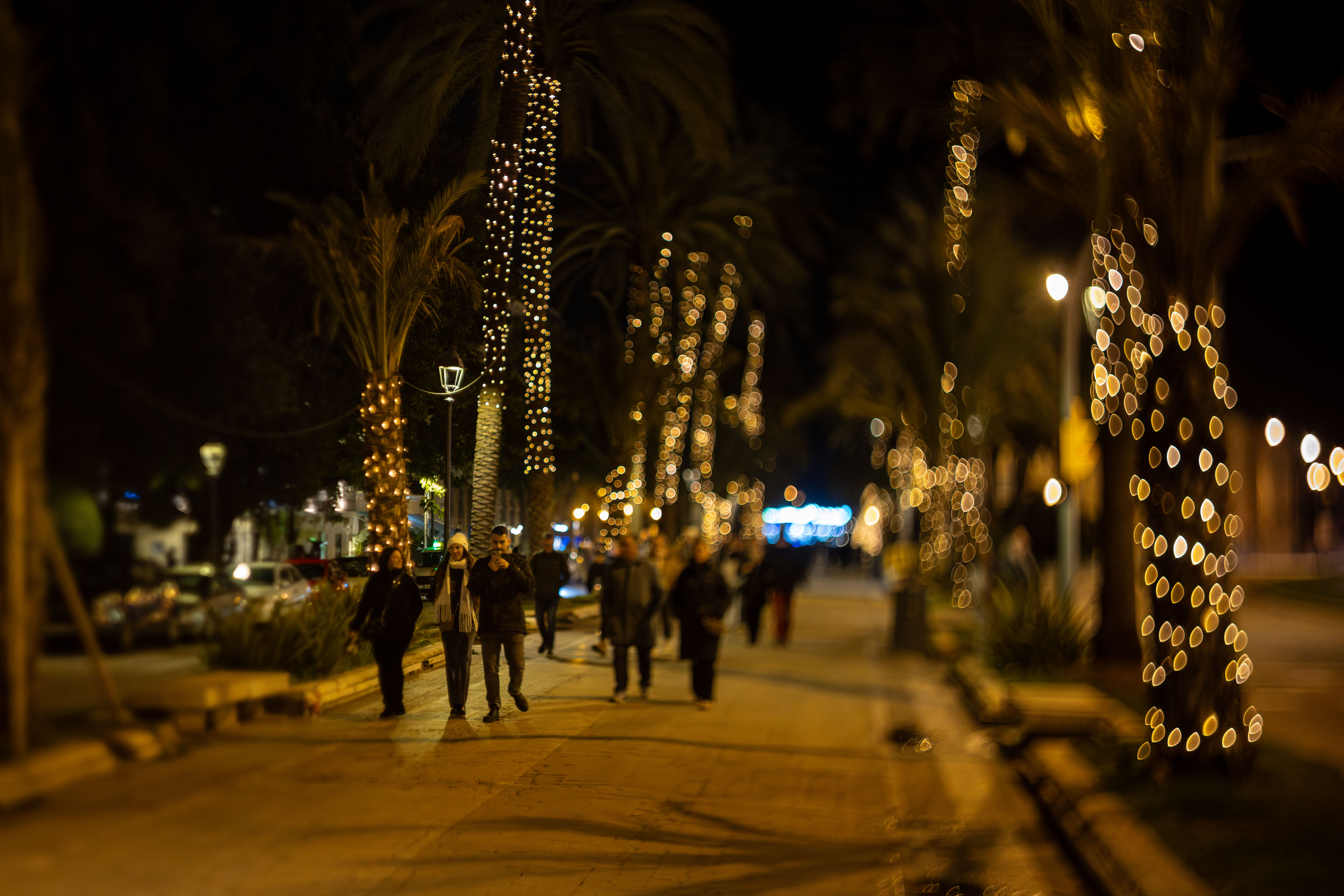
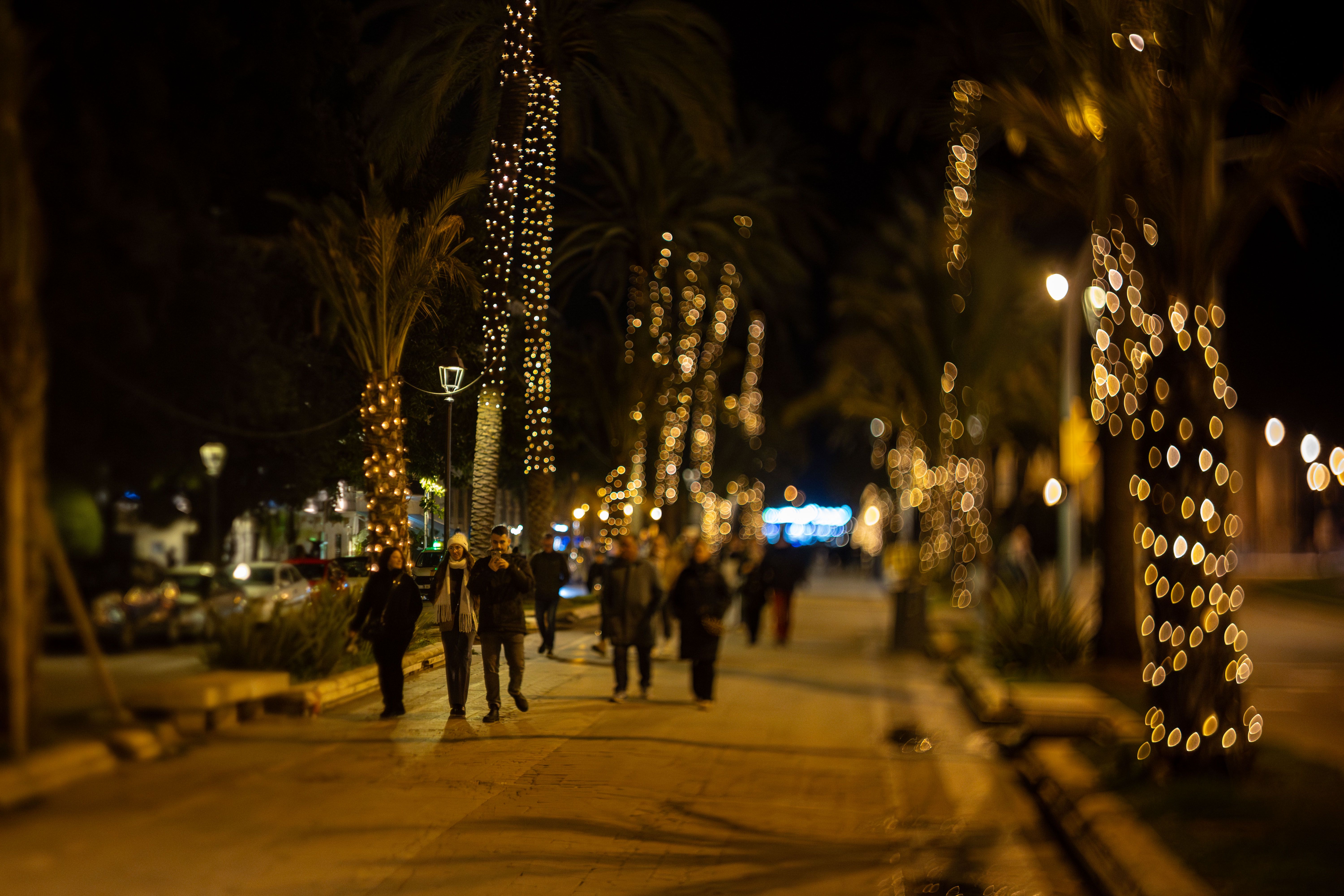
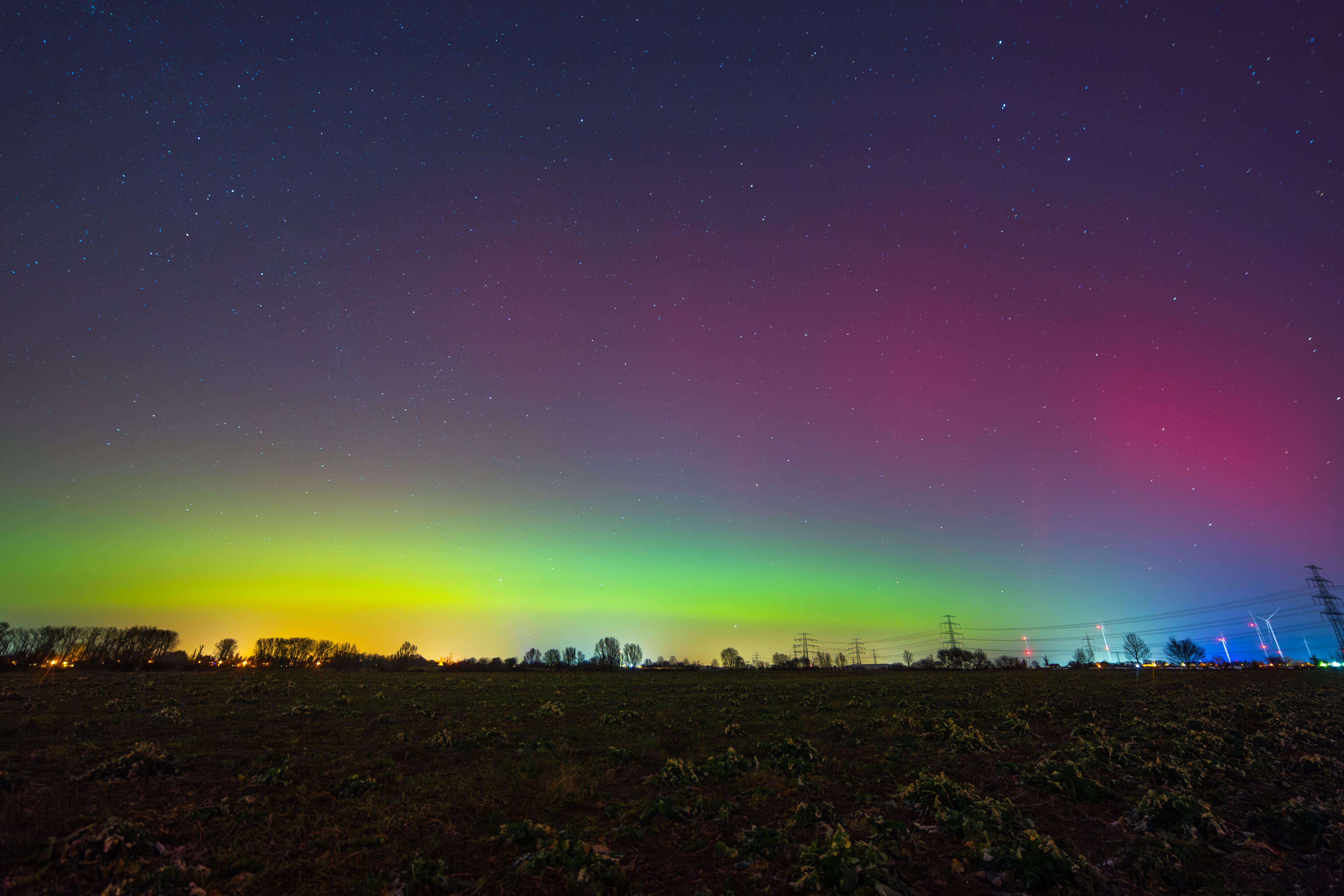
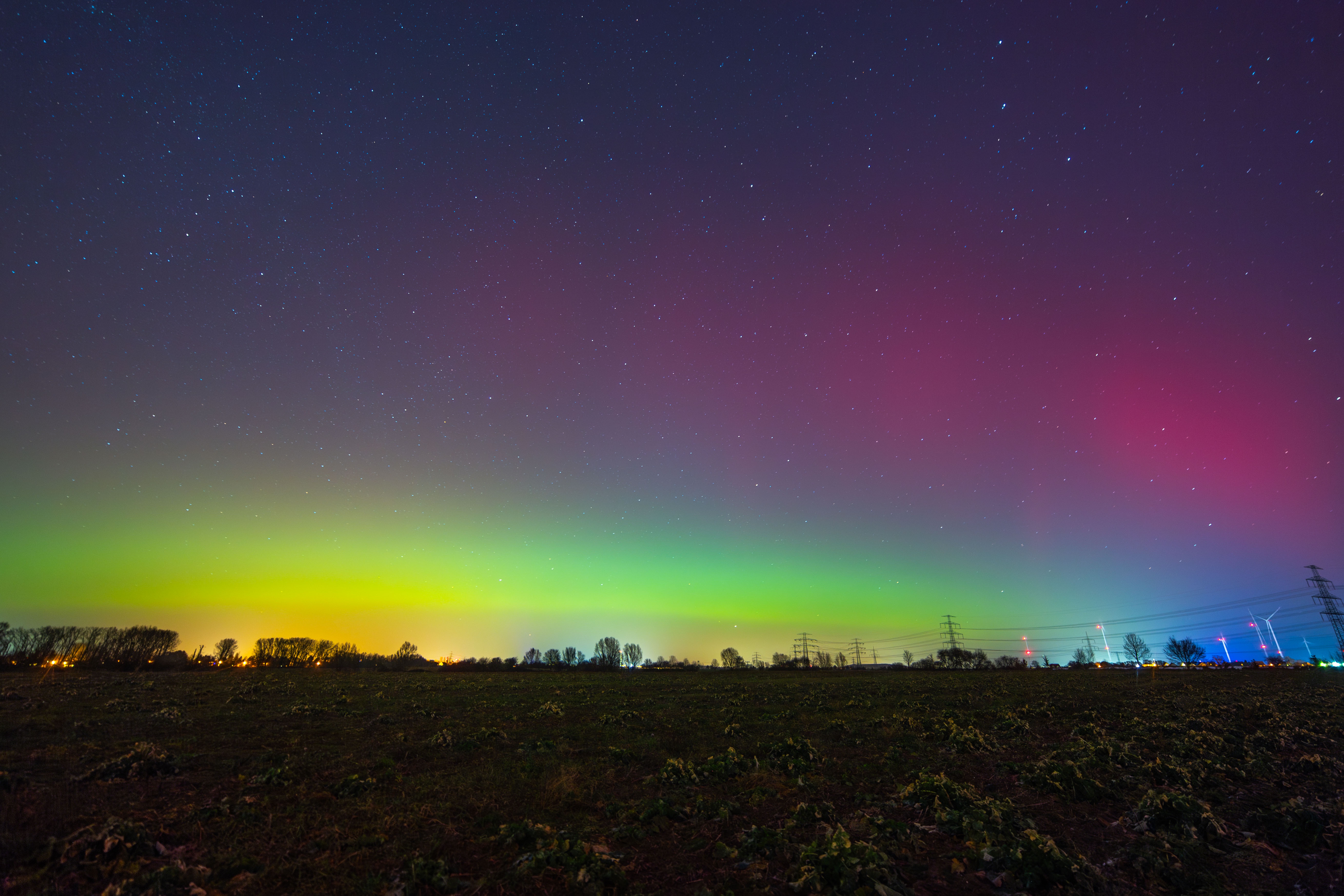
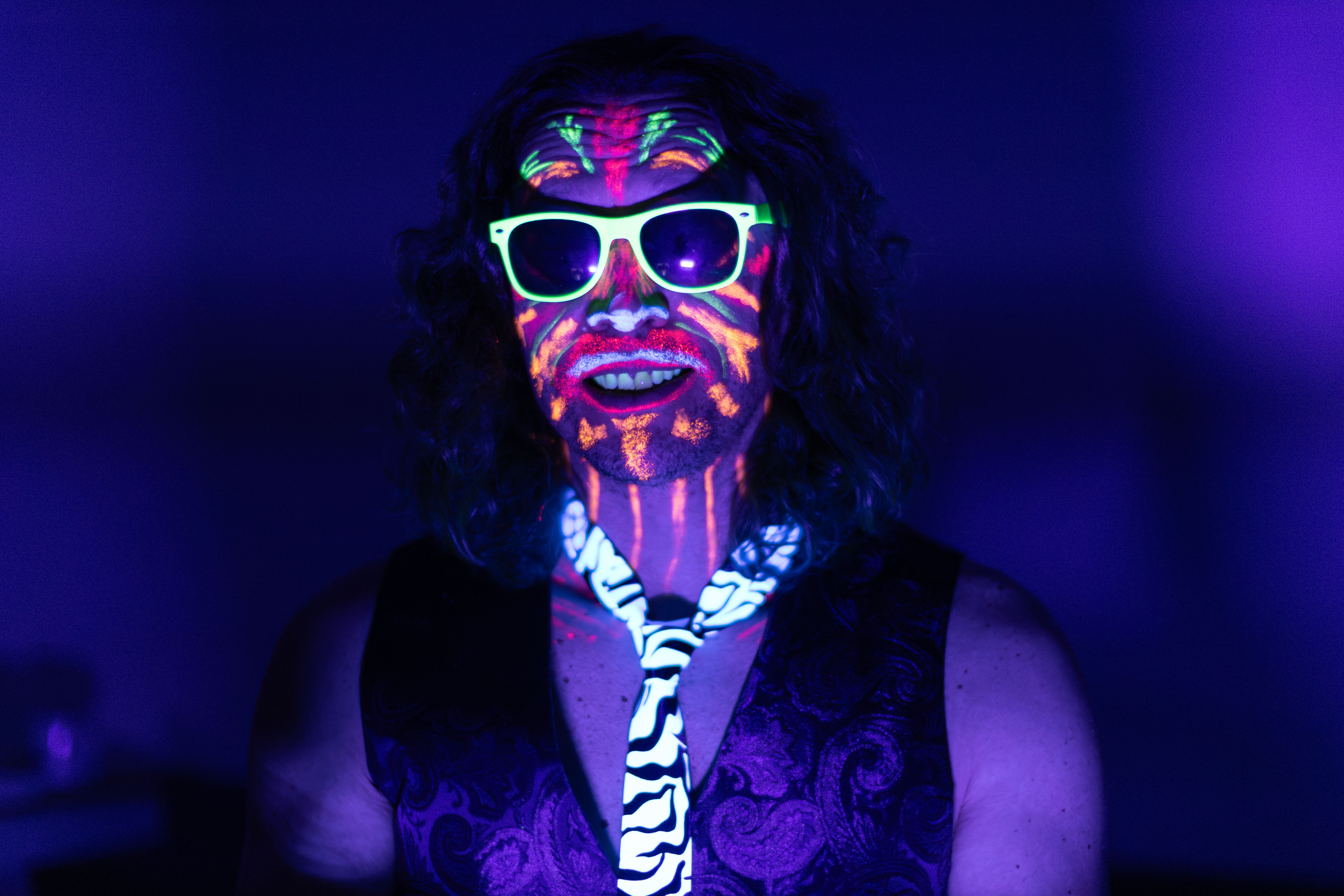
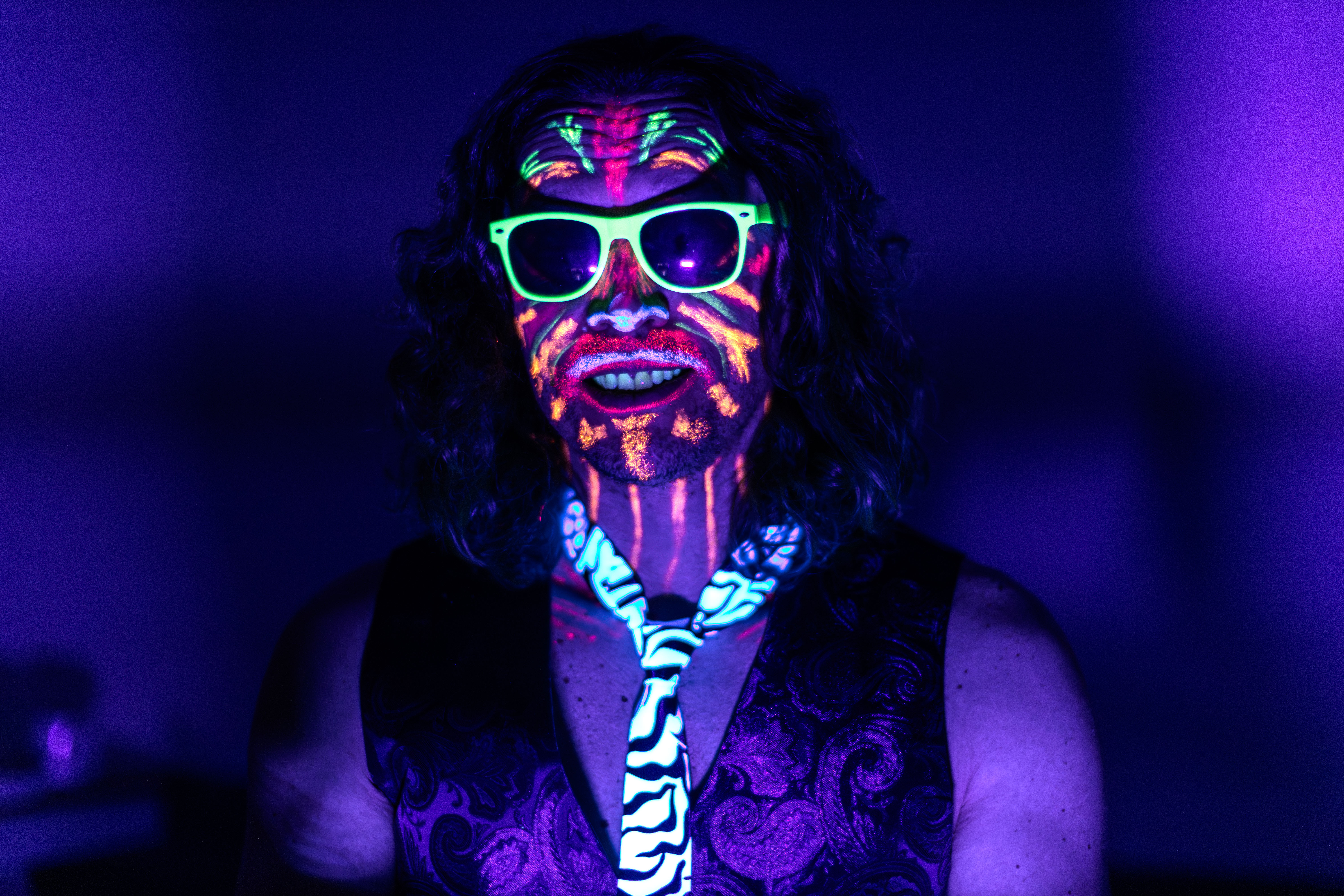
Examples of photos without and with UltraHDR
If they look the same, most likely you are viewing them on an SDR device/browser.